Gone are the days when a “gaming room” meant a dark, windowless cave cluttered with cables, empty energy drink cans, and aggressive red-and-black aesthetics. In 2026, the gaming bedroom has evolved. It is no longer just a place to play; it is a hybrid sanctuary designed for streaming, remote work, relaxation, and immersive escapism.
Whether you are a casual console gamer, a competitive eSports aspirant, or a creative professional who needs a high-performance workspace by day and a battle station by night, the modern gaming bedroom is all about balance. It merges high-tech functionality with high-end interior design.
In this ultimate guide, we are looking past the basic RGB strips. We are diving into the biggest trends of 2026—from biophilic “green gaming” setups to stealthy, minimalist layouts that hide the tech when it’s not in use. Prepare to level up your living space.
⚡ Quick Take: Top Gaming Bedroom Trends for 2026
For those in a hurry, here are the top 5 design standards defining the modern gaming setup this year:
The Essentials: Planning Your Gaming Layout
Before we buy neon signs or expensive nanoleaf panels, we need to talk about the “bones” of the room. A stunning gaming bedroom starts with a layout that prioritizes flow and function. In 2026, the most popular layout isn’t just a desk against a wall; it’s the Hybrid Command Center.
The “Hybrid” Setup (Work vs. Play)
With remote work cementing itself as a standard lifestyle, your bedroom often has to pull double duty. The challenge? separating “Spreadsheet Mode” from “Survival Mode.”
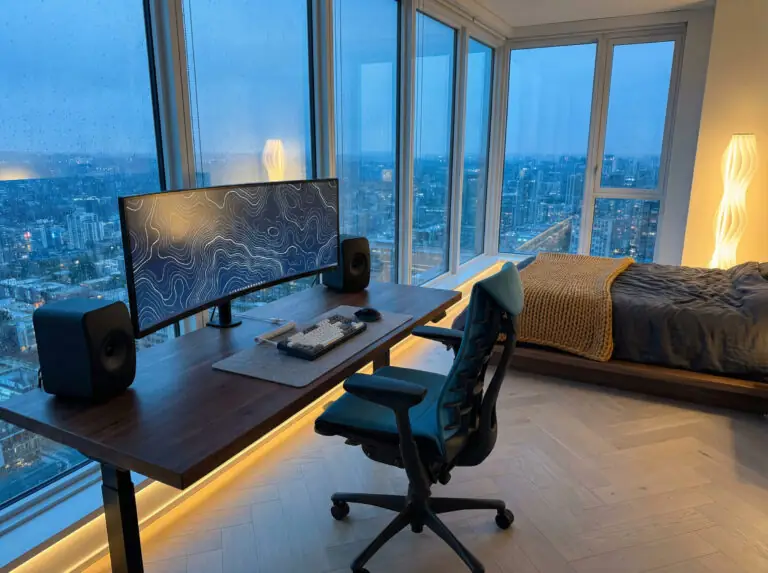
The most effective 2026 trend is the zoned L-shape configuration. By placing an L-shaped desk in the corner, you create two distinct wings: one for your professional laptop and documents, and the other for your gaming monitors and peripherals. This physical separation helps mentally switch gears at 5:00 PM.
Another rising trend is the “floating” desk setup. Instead of pushing your desk flush against the wall, float it in the center of the room (space permitting) facing the door. This “executive” position looks powerful on camera for streamers and creates a clear division between your sleep area and your active area.
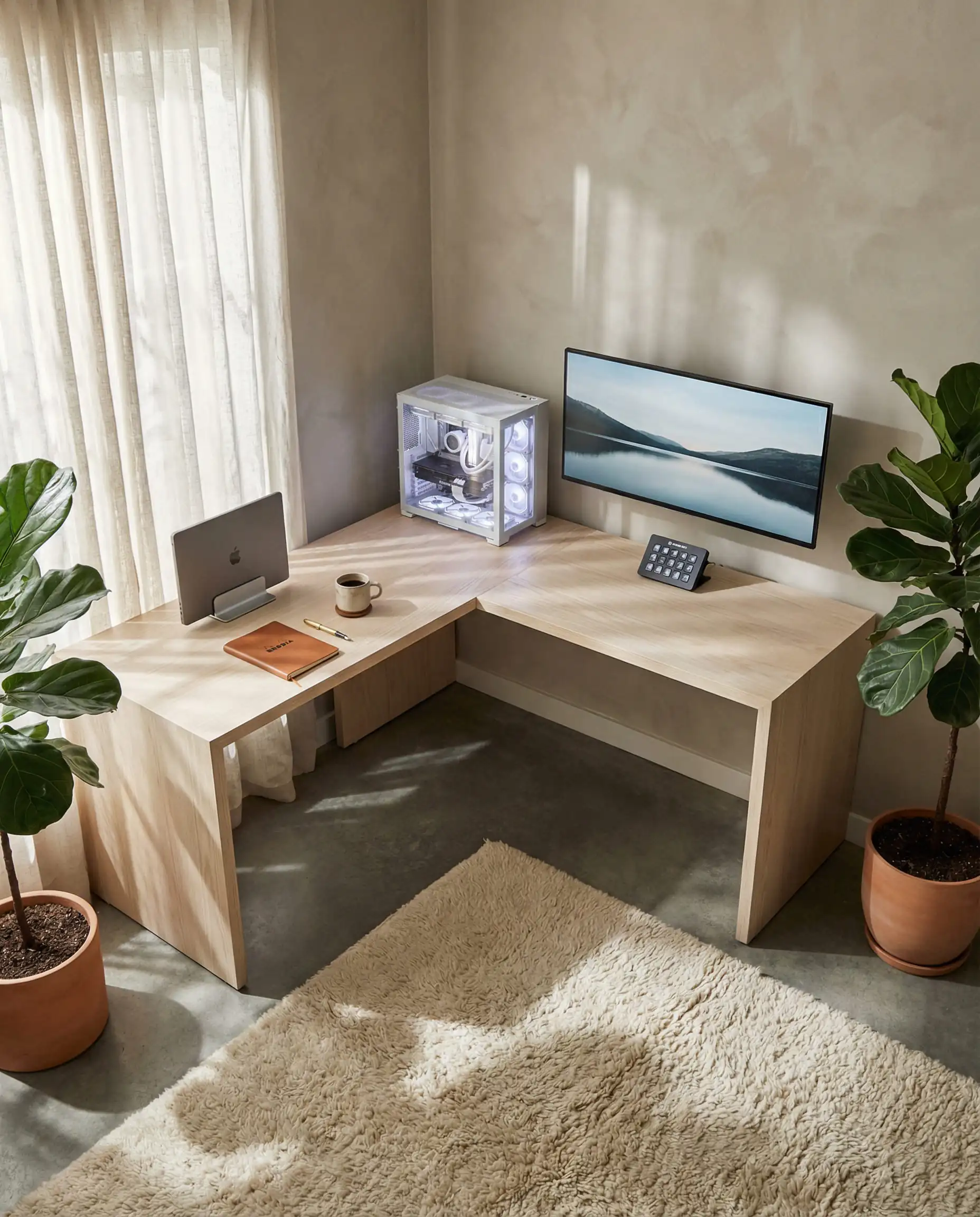
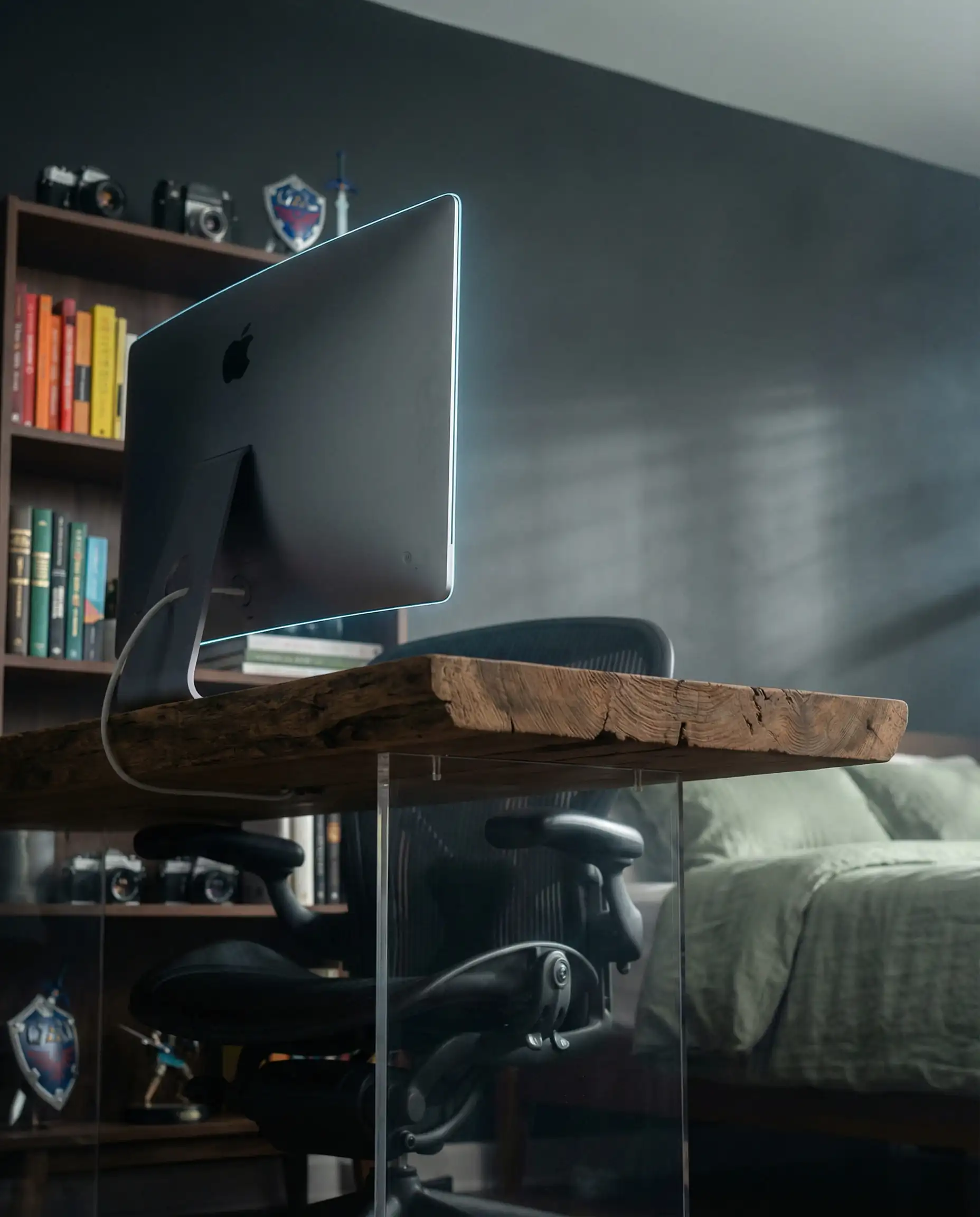

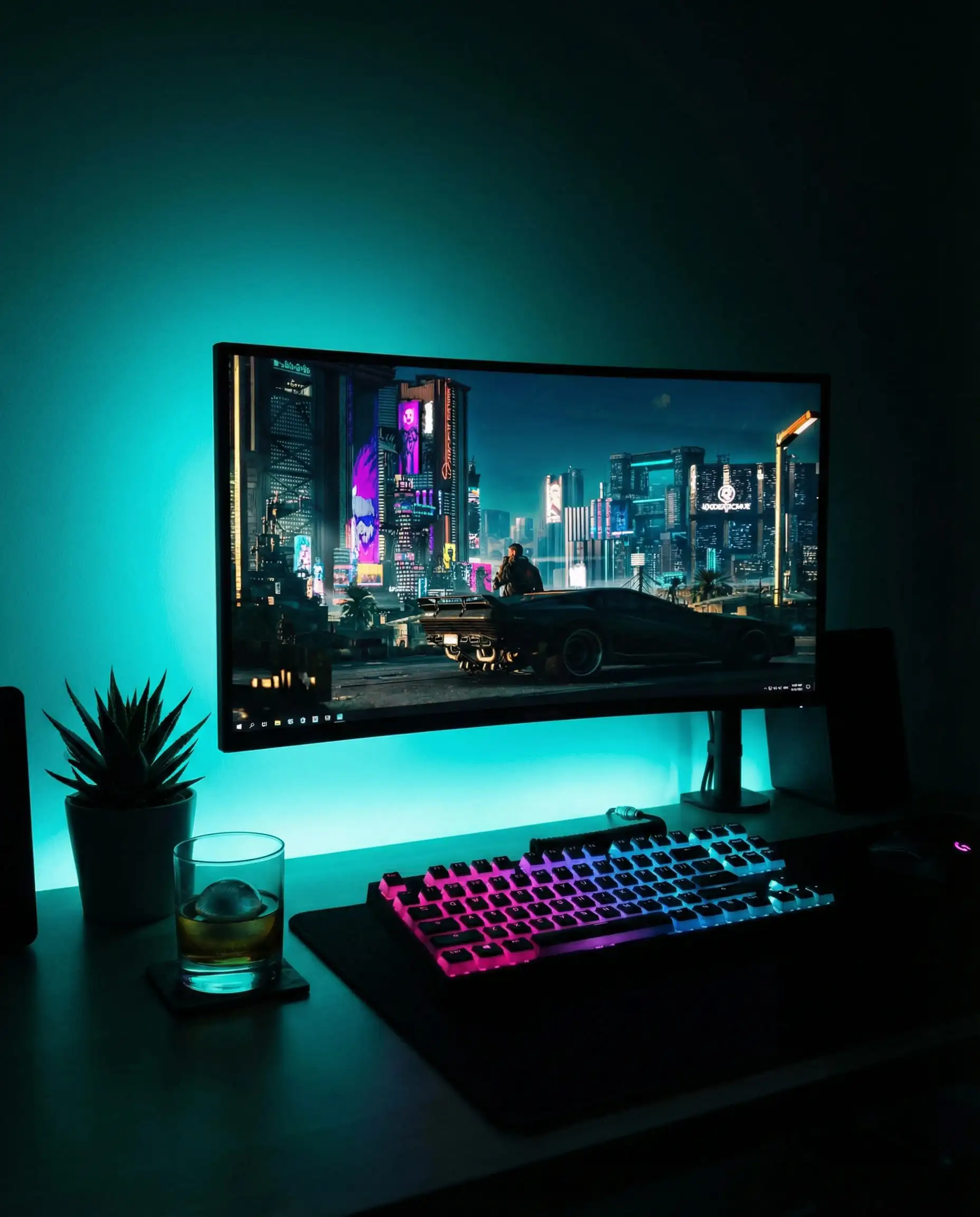
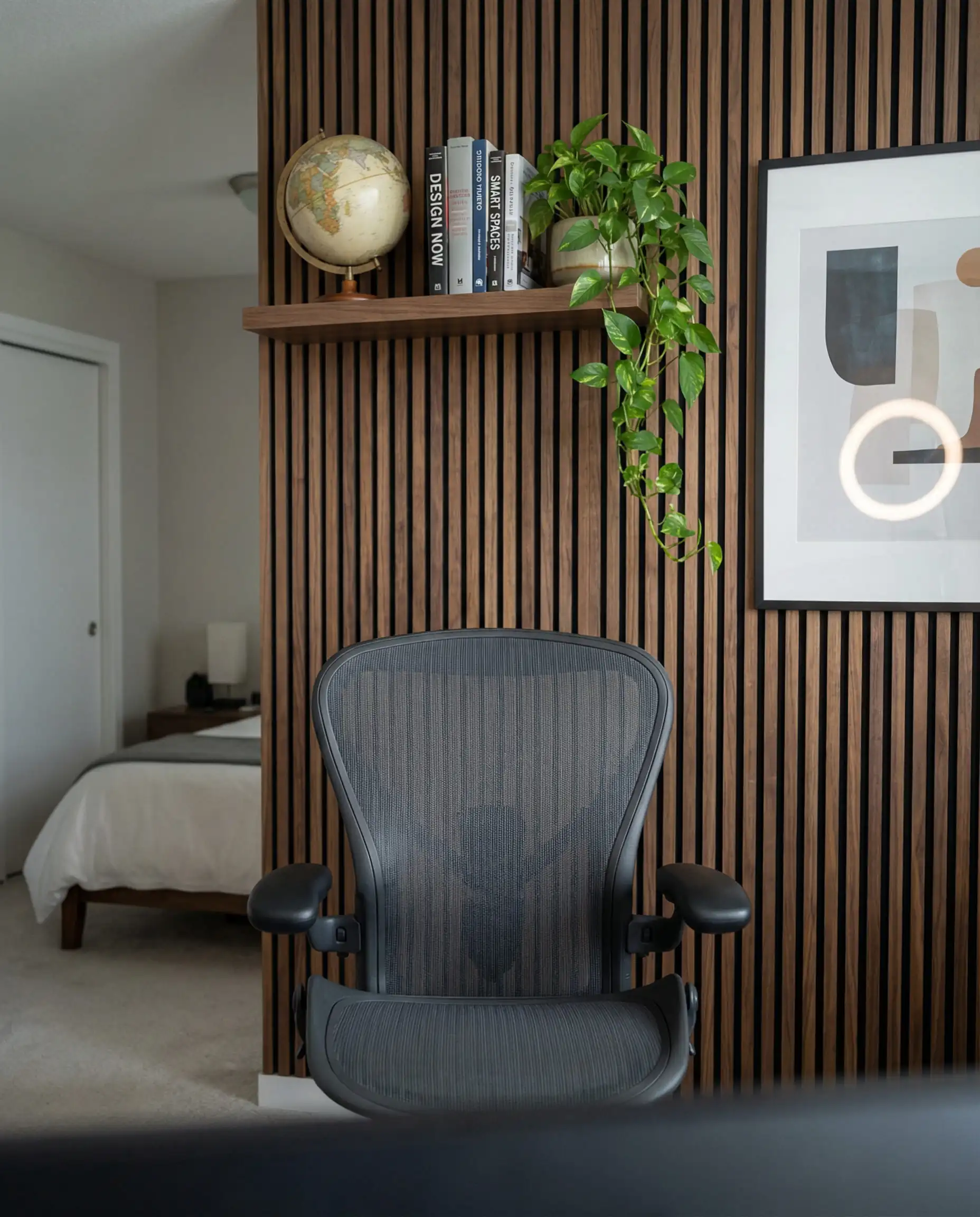
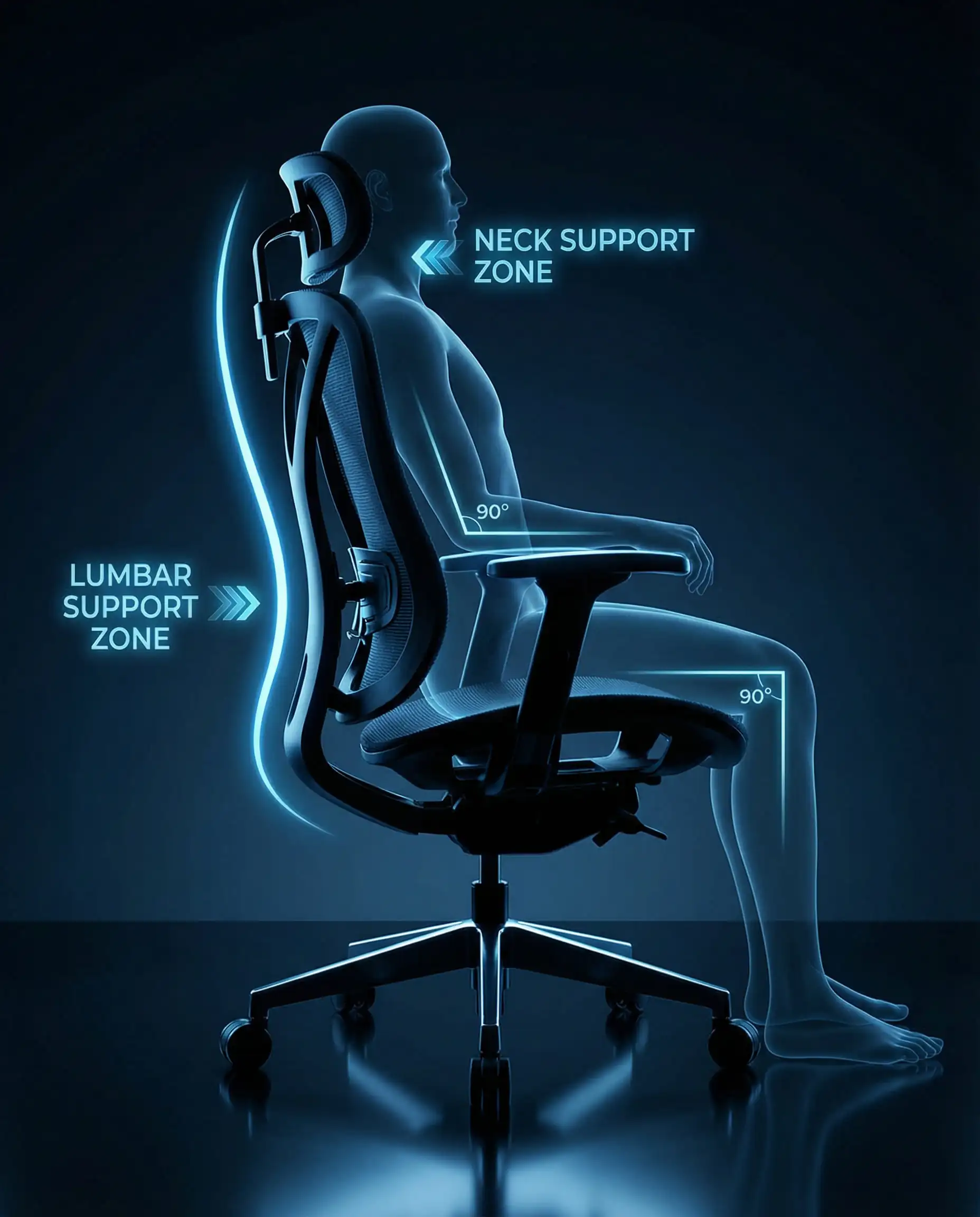
To truly master the hybrid look, invest in a “stealth” gaming chair. Avoid the racing-stripe bucket seats that scream “gamer.” Opt for high-end ergonomic mesh chairs in neutral grey or black that look right at home in a Zoom meeting but offer the lumbar support needed for a 6-hour raid. 🪑
💡 Designer Tip
If you are struggling to find furniture that fits this dual purpose, check out our guide on home office trends for inspiration on desks that blend professionalism with performance.
Ergonomics & Viewing Distances
Nothing kills the vibe faster than back pain. The “stunning” factor of a room means nothing if it’s uncomfortable.
Trending Gaming Bedroom Themes for 2026
The “Cyberpunk” aesthetic is still alive, but it has splintered into new, more sophisticated sub-genres. Here are the top three themes dominating Instagram and TikTok this year.
1. The Biophilic Gamer (Nature & Tech)
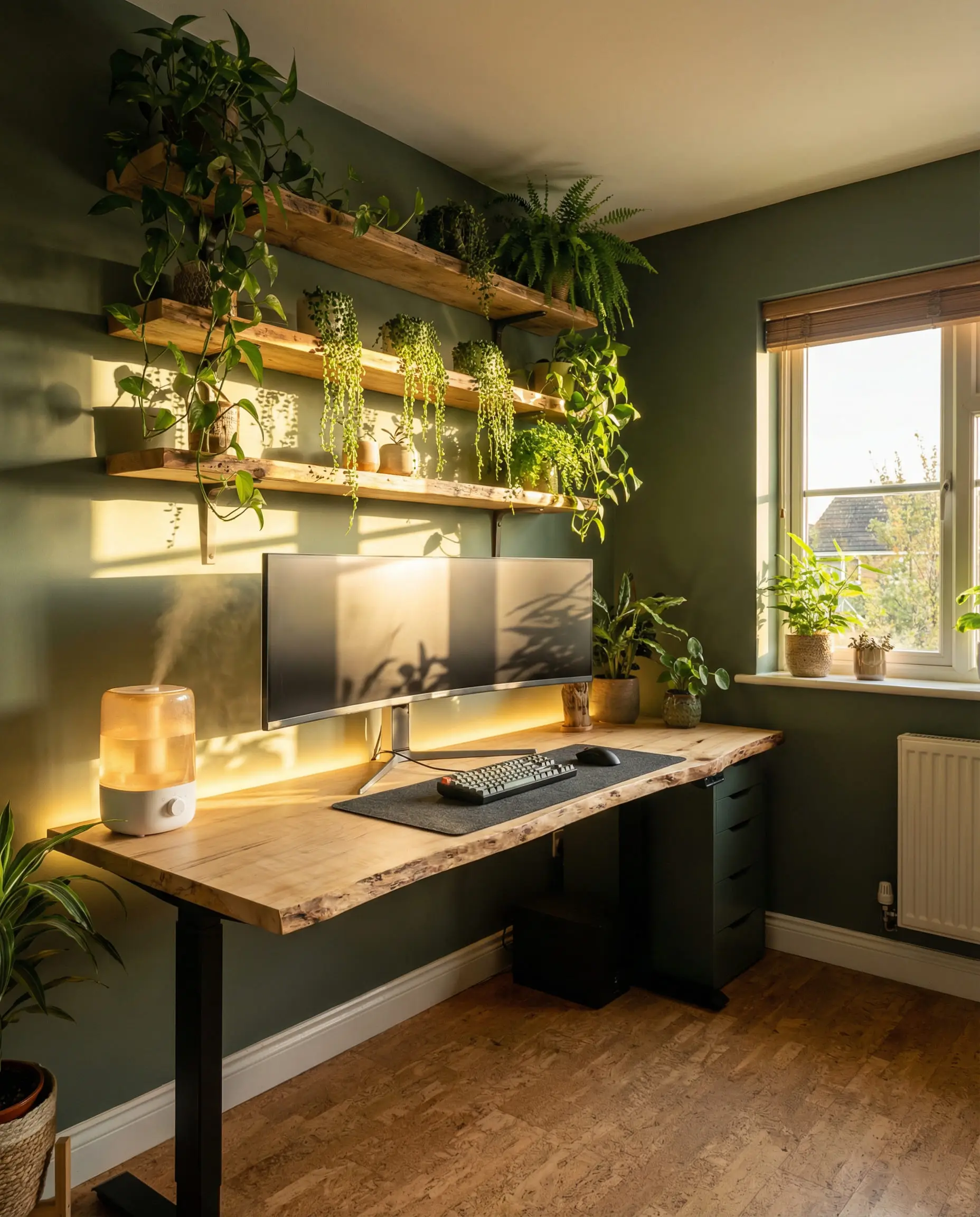
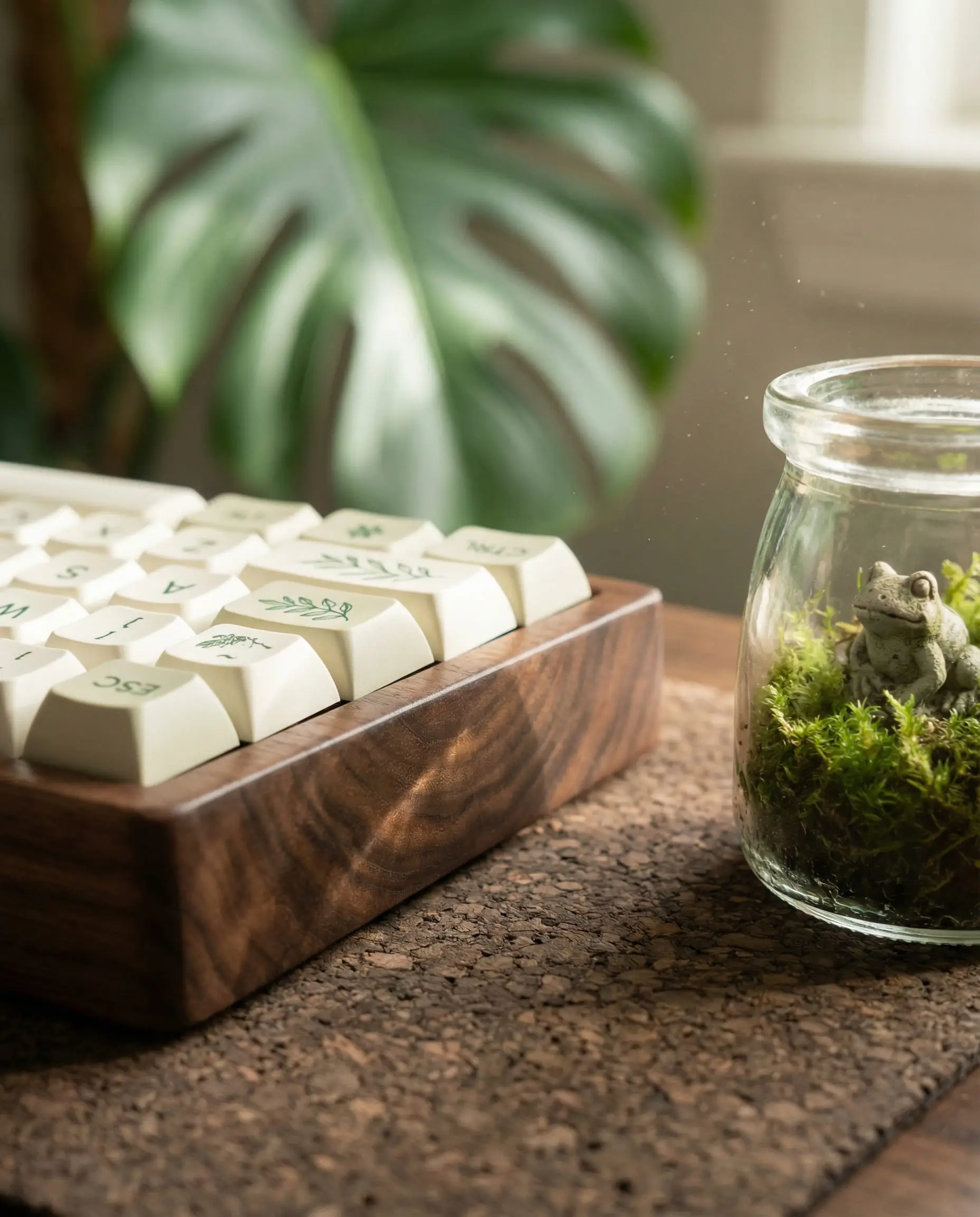
This is the breakout trend of the year. The “Green Gaming” aesthetic rejects the cold, industrial look of traditional setups in favor of warmth and life. It pairs high-tech white peripherals with natural wood textures and an abundance of greenery.
Think of it as “Solarpunk”—a hopeful, organic vision of the future. The color palette relies on sage greens, warm oaks, and crisp whites. Instead of harsh blue LEDs, this theme utilizes warm white (3000K) backlighting that mimics golden hour sunlight.
Key Elements:
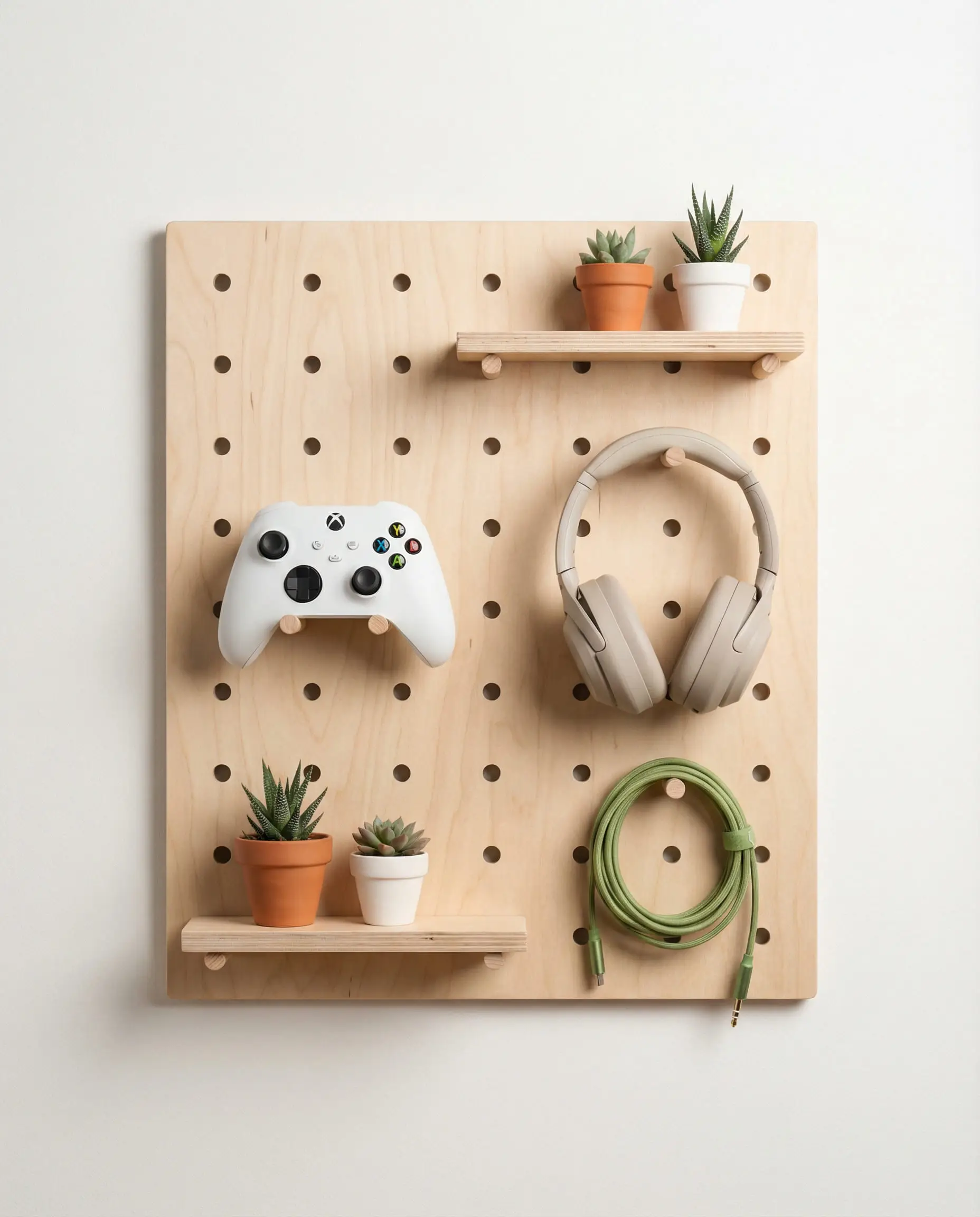
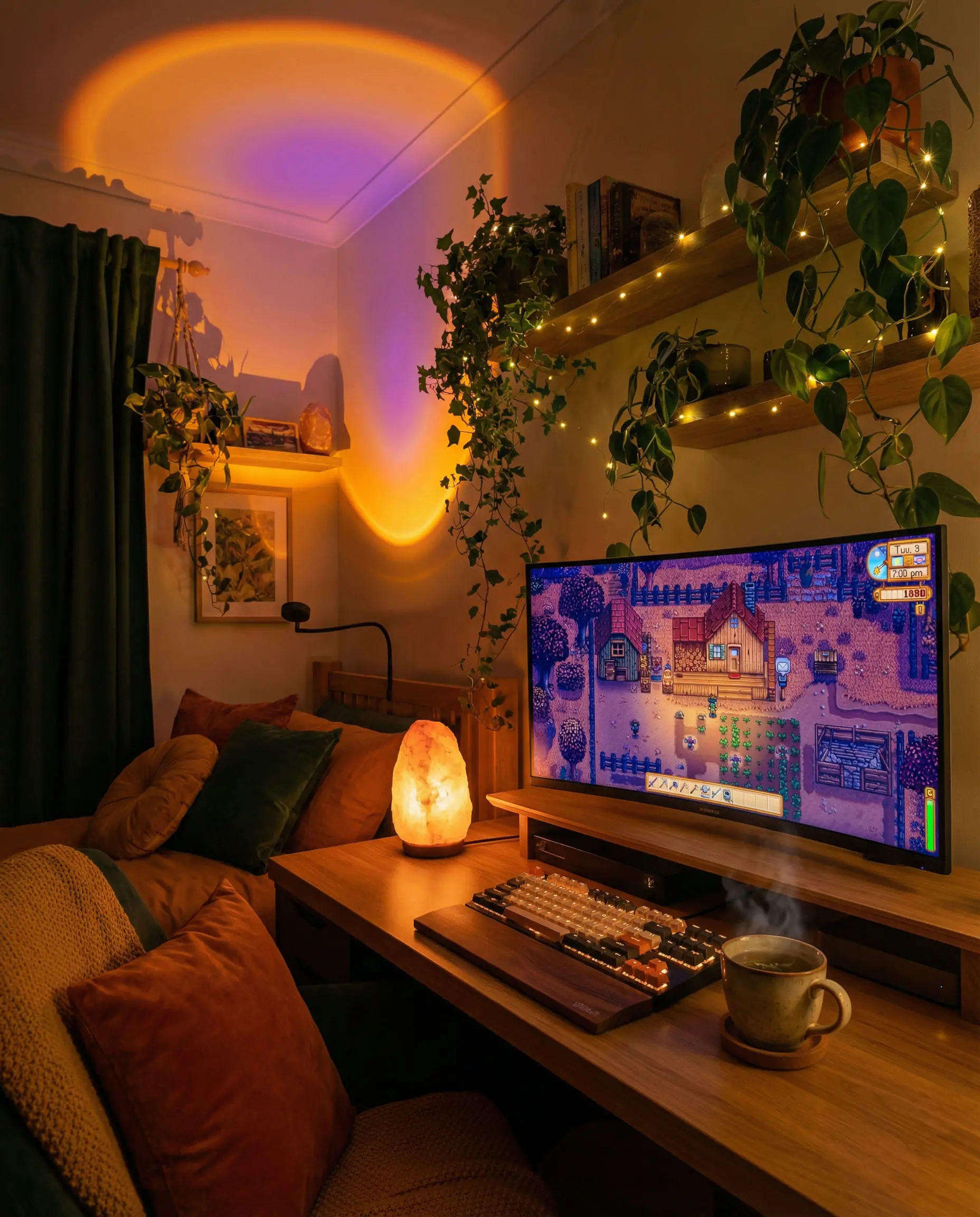
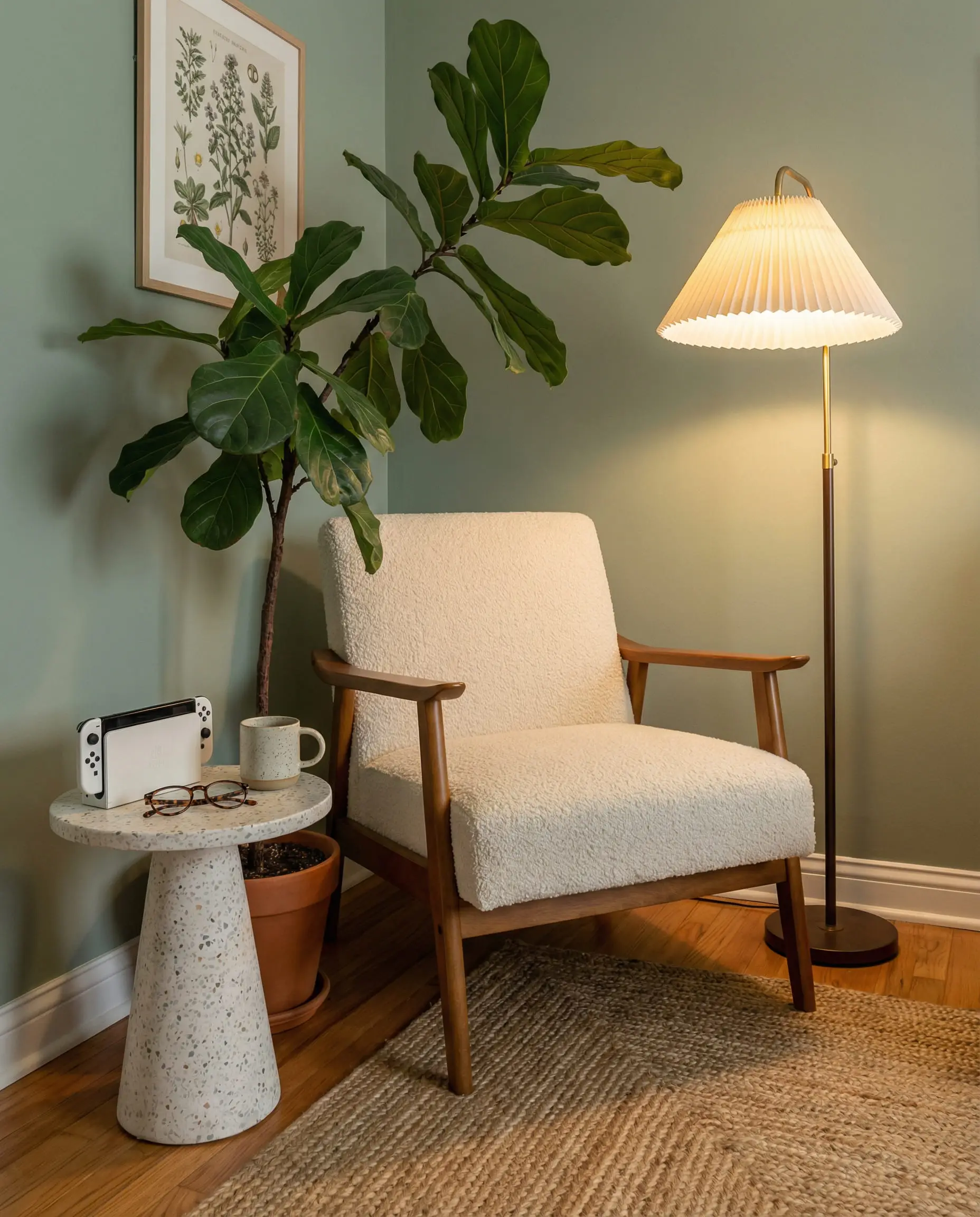
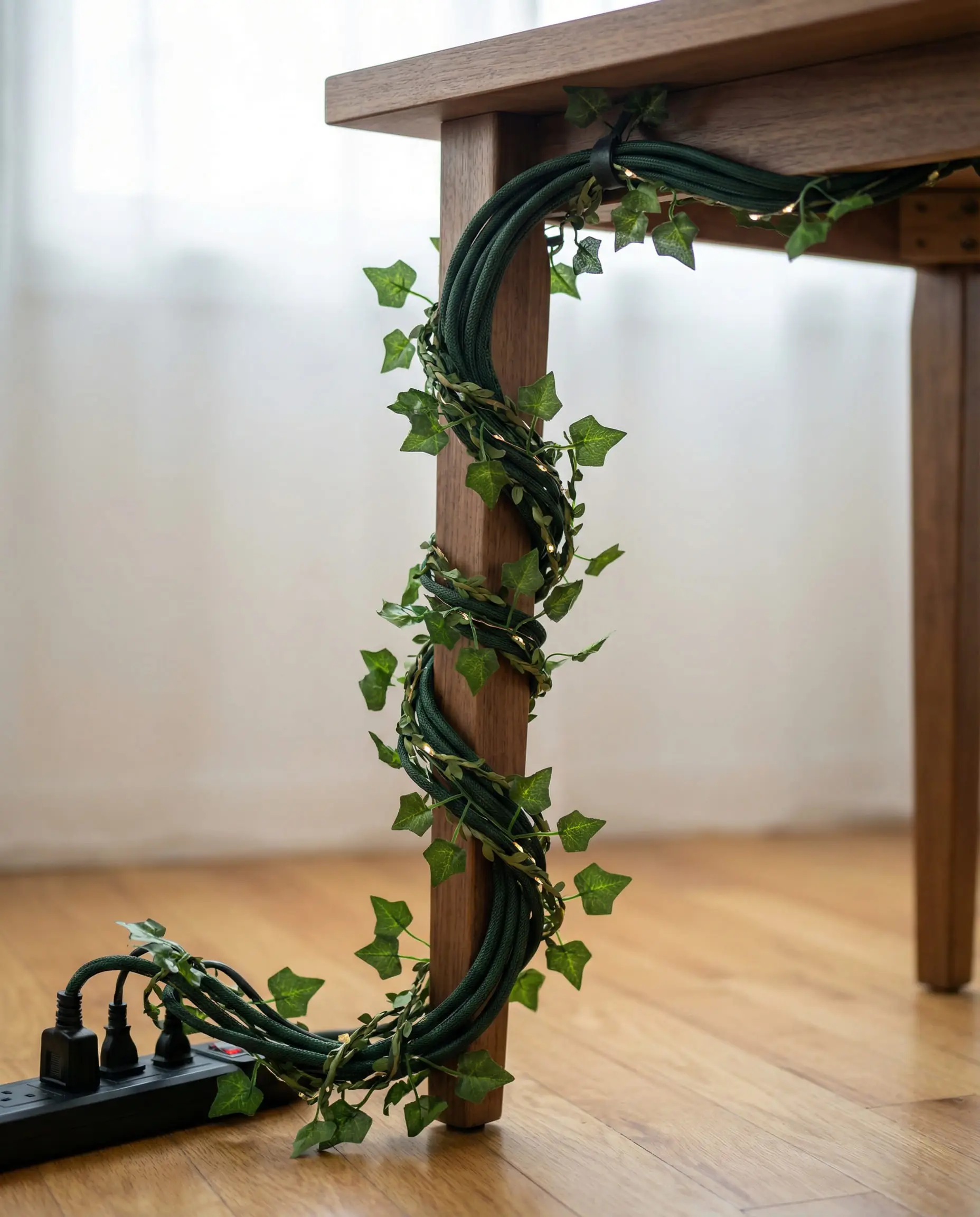
Real plants boost air quality, but they can be messy near expensive electronics. If you have a black thumb, high-quality faux vines draped over a shelving unit can give you the look without the risk of water damage. 🌿
💡 Designer Tip
For more on integrating natural materials into your space, exploring eco-sustainable interior design trends is a great place to start.
2. Cyber-Noir & Smart Lighting
This is the evolution of the classic gamer room. It’s moody, dark, and incredibly immersive. However, unlike the chaotic “unicorn vomit” rainbow lights of the past, Cyber-Noir is controlled and deliberate.
The focus here is on screen mirroring technology. Devices like Govee AI Sync boxes or Nanoleaf 4D cameras track what is happening on your gaming monitor and instantly project those colors onto the wall behind you. If you are exploring a lava dungeon, your room glows red and orange. If you dive into the ocean, the room washes in deep teals.
Key Elements:
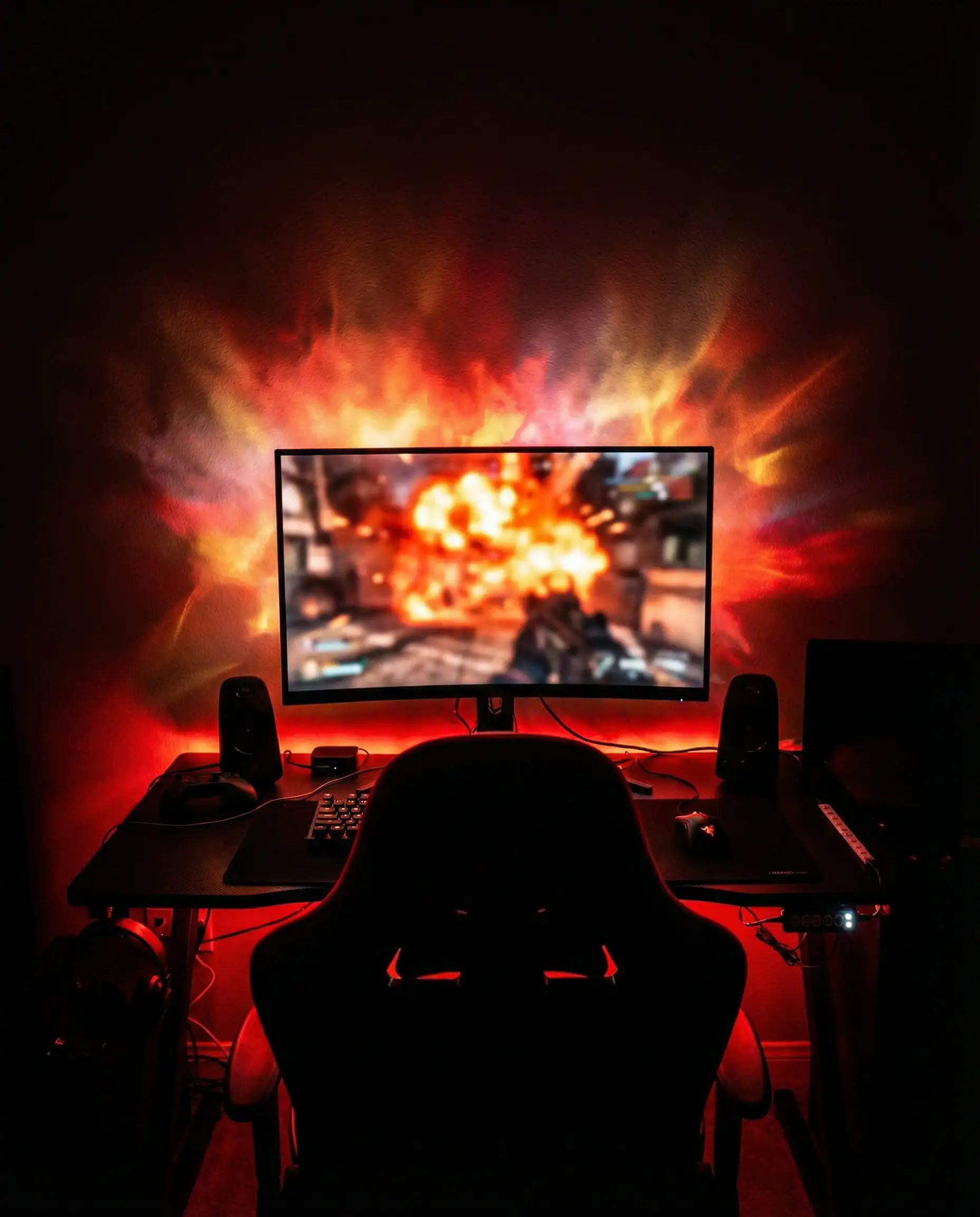
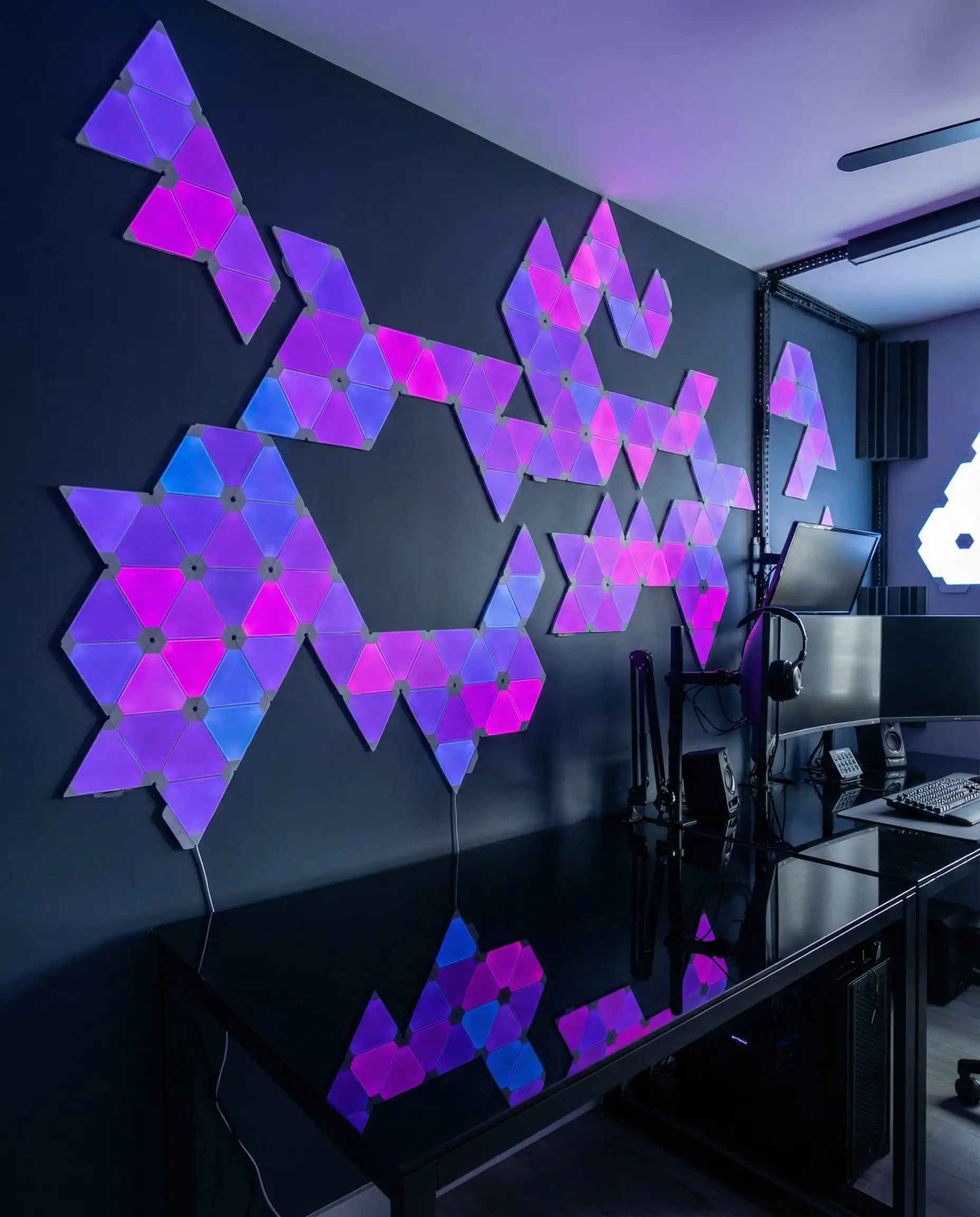
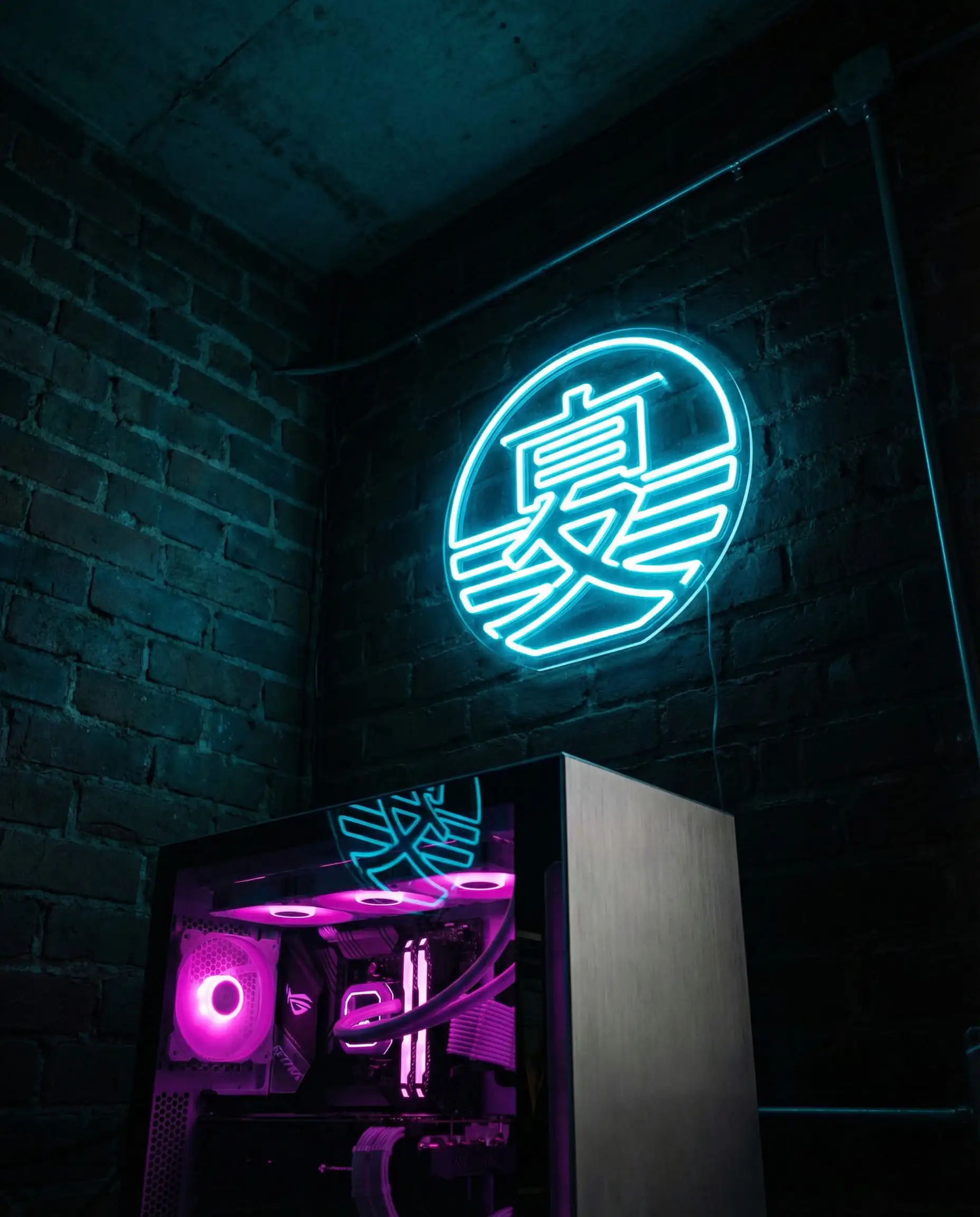
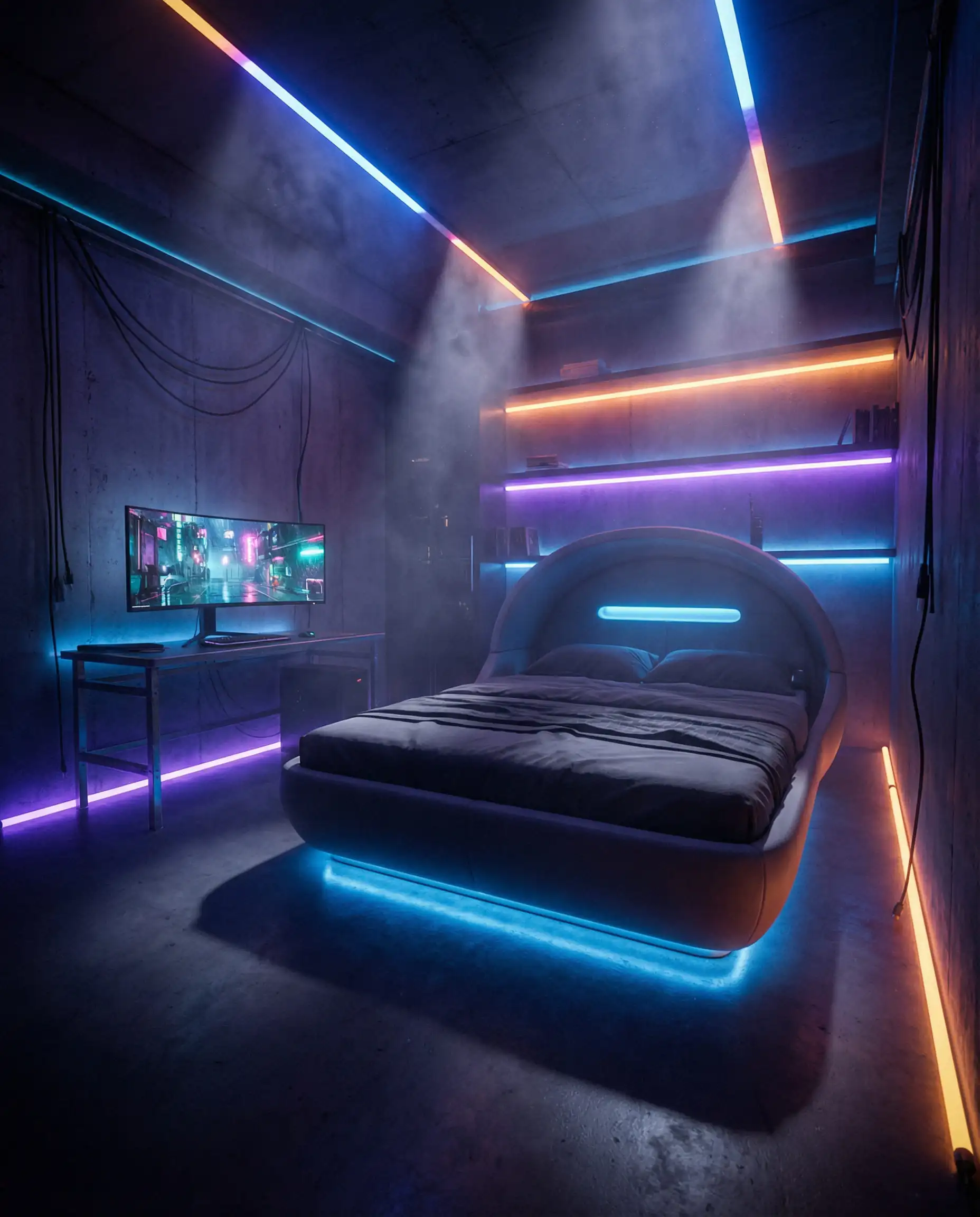
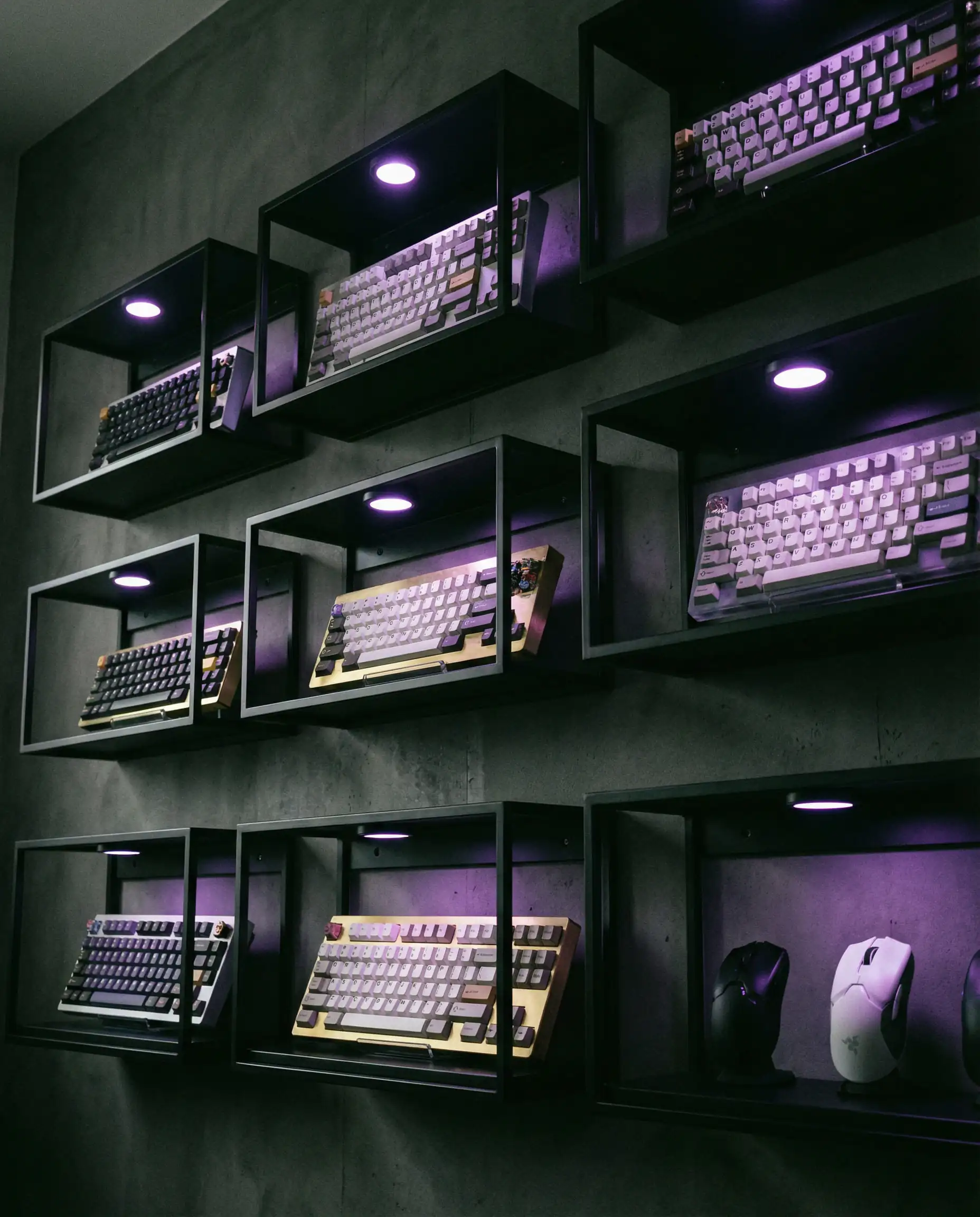

For advice on handling dark color palettes without making the room feel small, look at our tips for living room paint colors, which apply perfectly to creating moody gaming dens.
3. Minimalist & Wireless (“Stealth” Setups)
The “Anti-Setup” setup. This theme is popular among older gamers who want a clean, adult bedroom that just happens to house a beast of a PC. The goal is invisibility.
Cables are the enemy here. Everything is routed through walls, under floorboards, or into custom channels. Peripherals are wireless. The PC tower might even be hidden inside a ventilated cabinet or moved to a closet with long Thunderbolt cables running to the desk.
Key Elements:
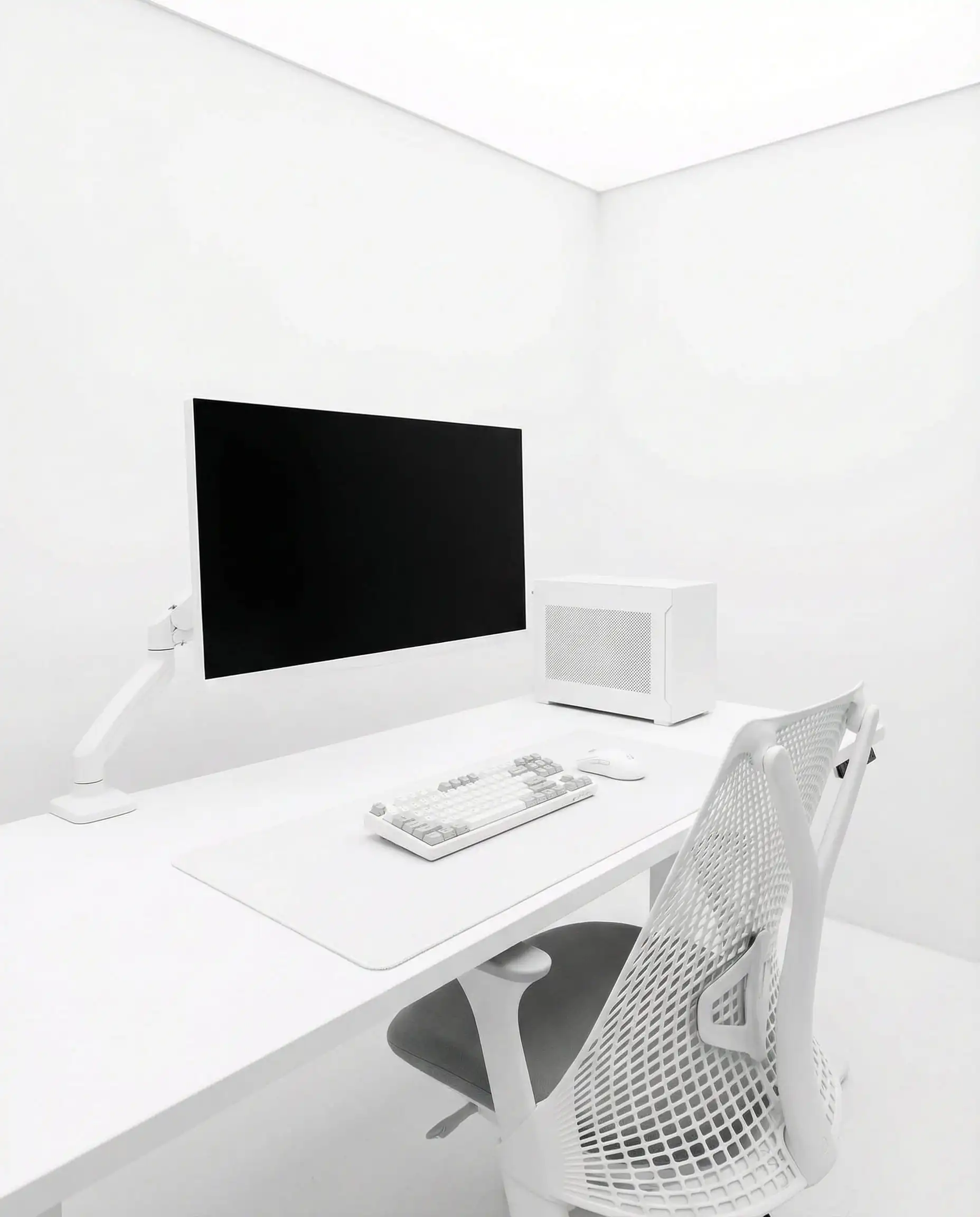
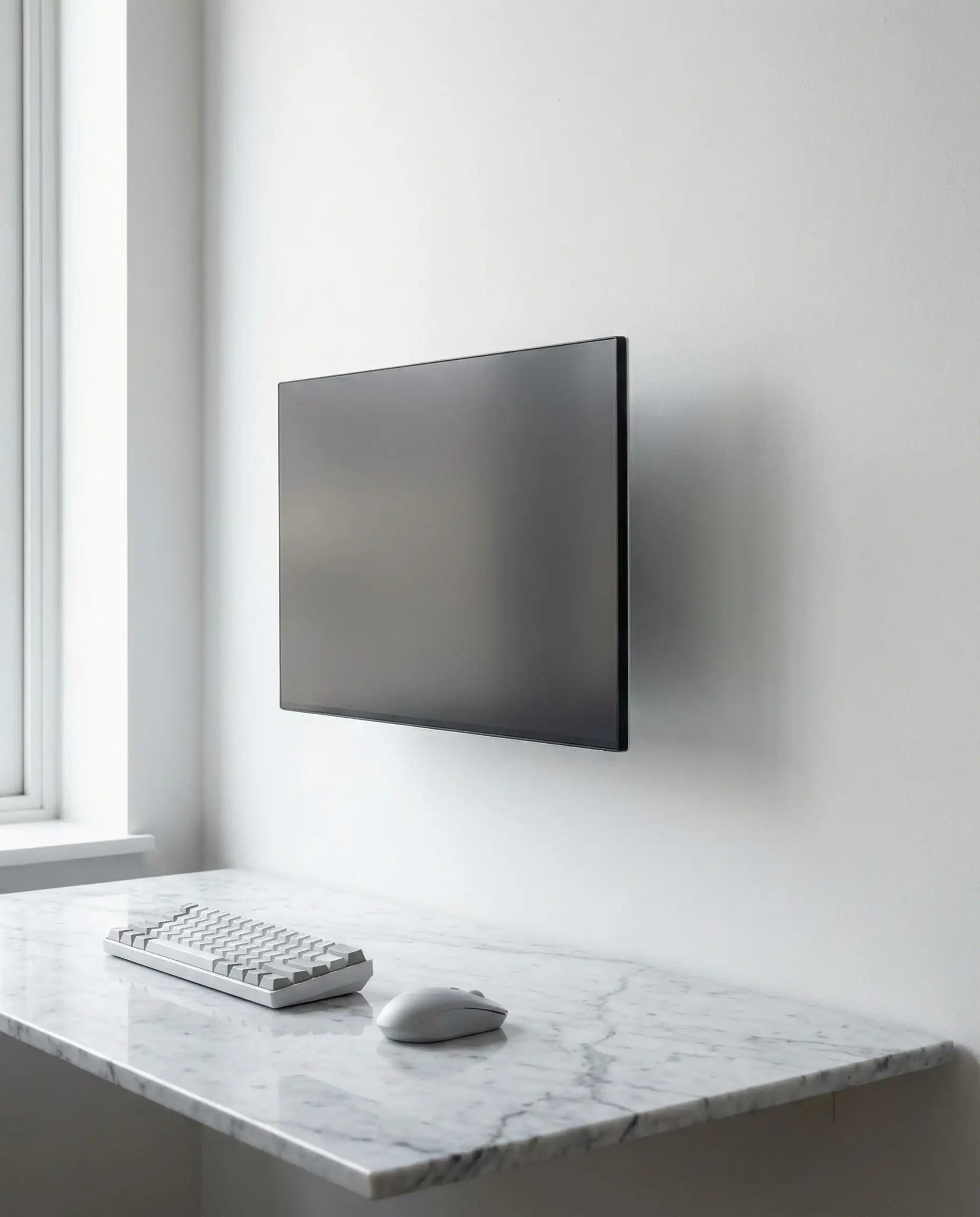
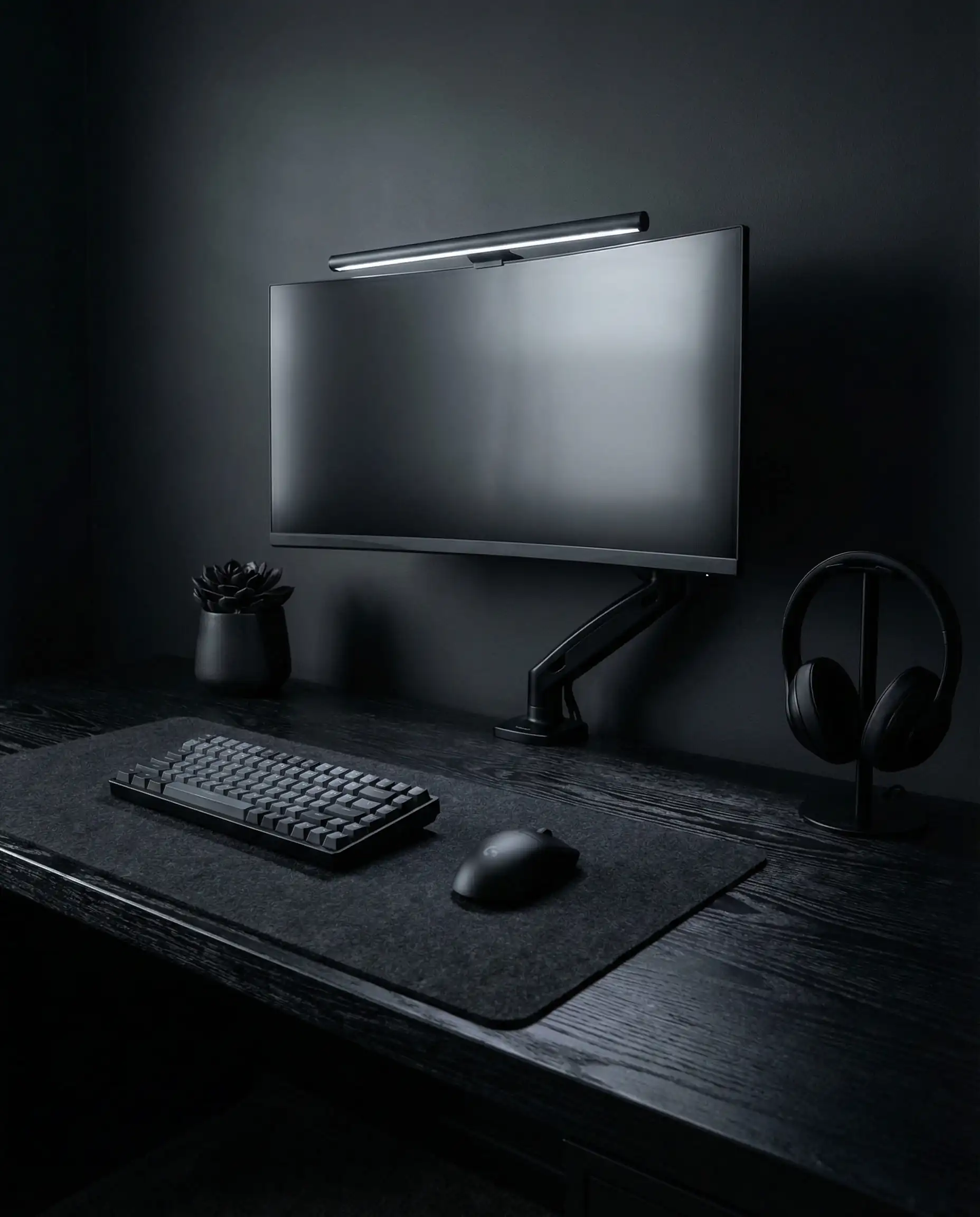
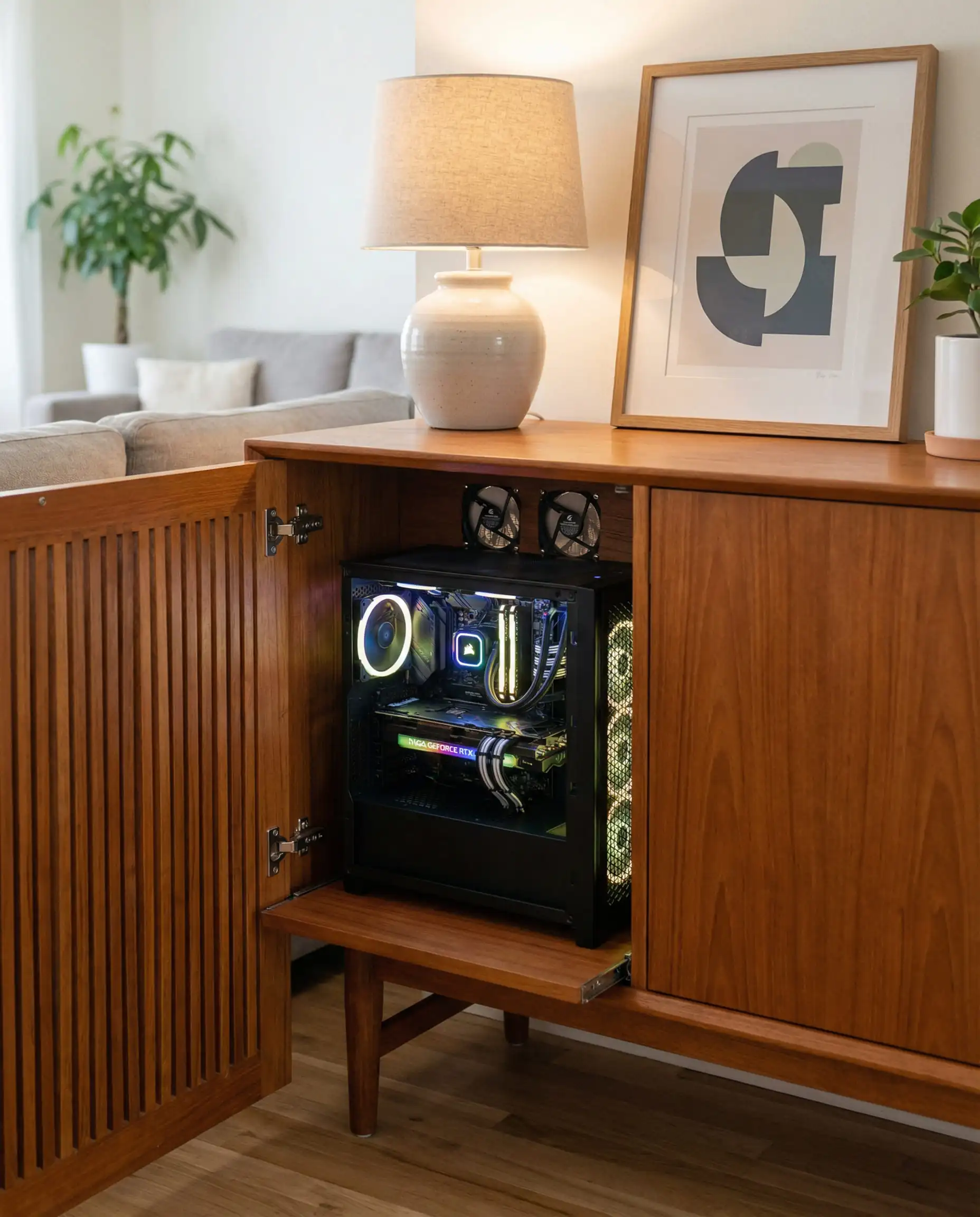

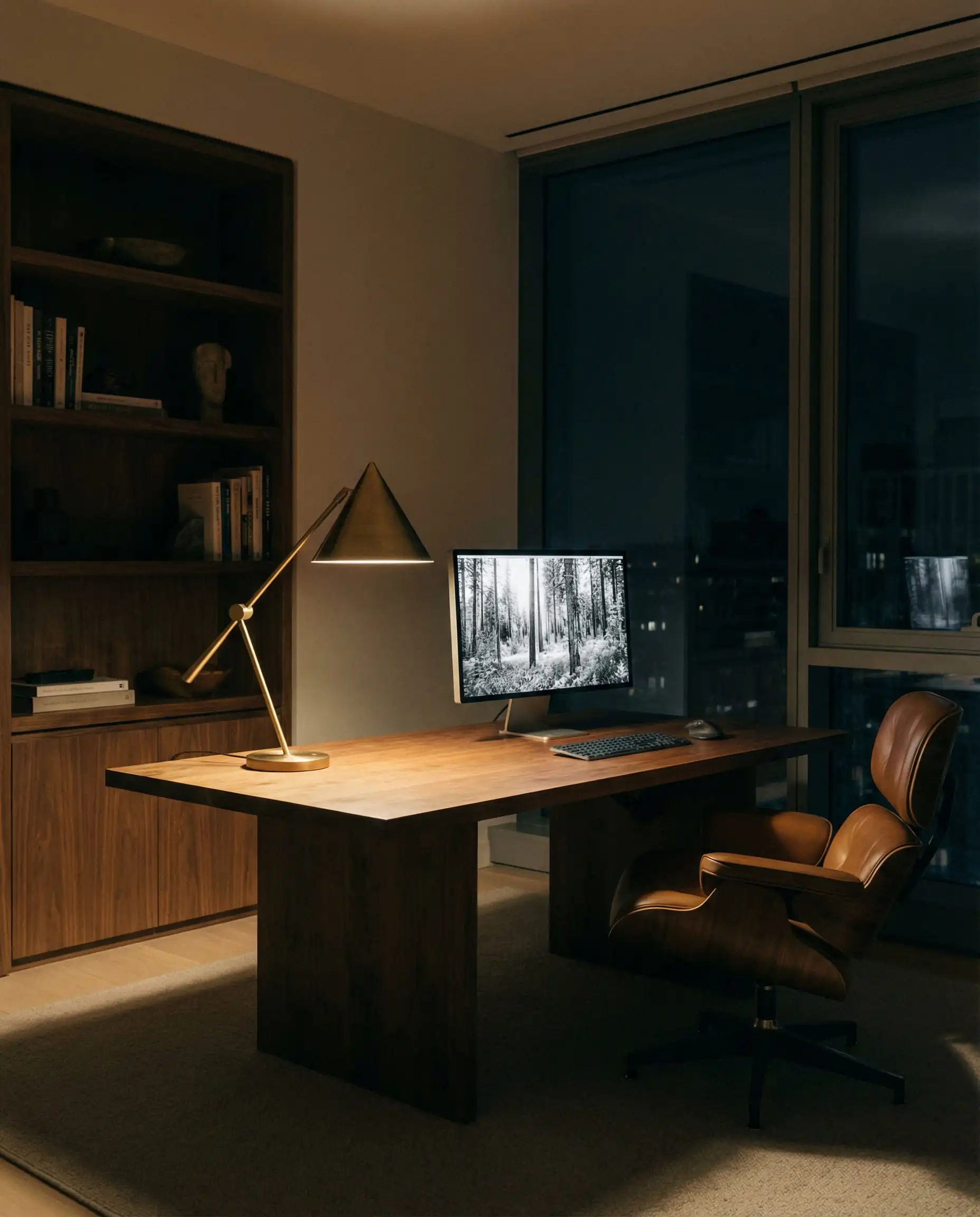
To achieve this sleek look, the choice of furniture is critical. You want pieces with clean lines and hidden storage, similar to what we see in current modern coffee table trends where functionality is hidden beneath beautiful forms.
Ideas for Specific Room Types
Not everyone has a massive master bedroom to dedicate to gaming. Here is how to adapt these ideas to your specific reality.
Small Gaming Bedroom Ideas (Maximizing Space)
When square footage is premium, verticality is your best friend. The Loft Bed Gaming Station is a classic for a reason—it instantly doubles your floor space. By elevating your bed, you create a dedicated “cave” underneath perfectly sized for a desk setup.
If a loft bed isn’t your style, consider the “Closet Battlestation” (or “Cloffice”). By removing the doors of a standard reach-in closet, you can slide a desk inside. When you’re done gaming, you can simply close a curtain to hide the tech, reclaiming your bedroom for sleep.
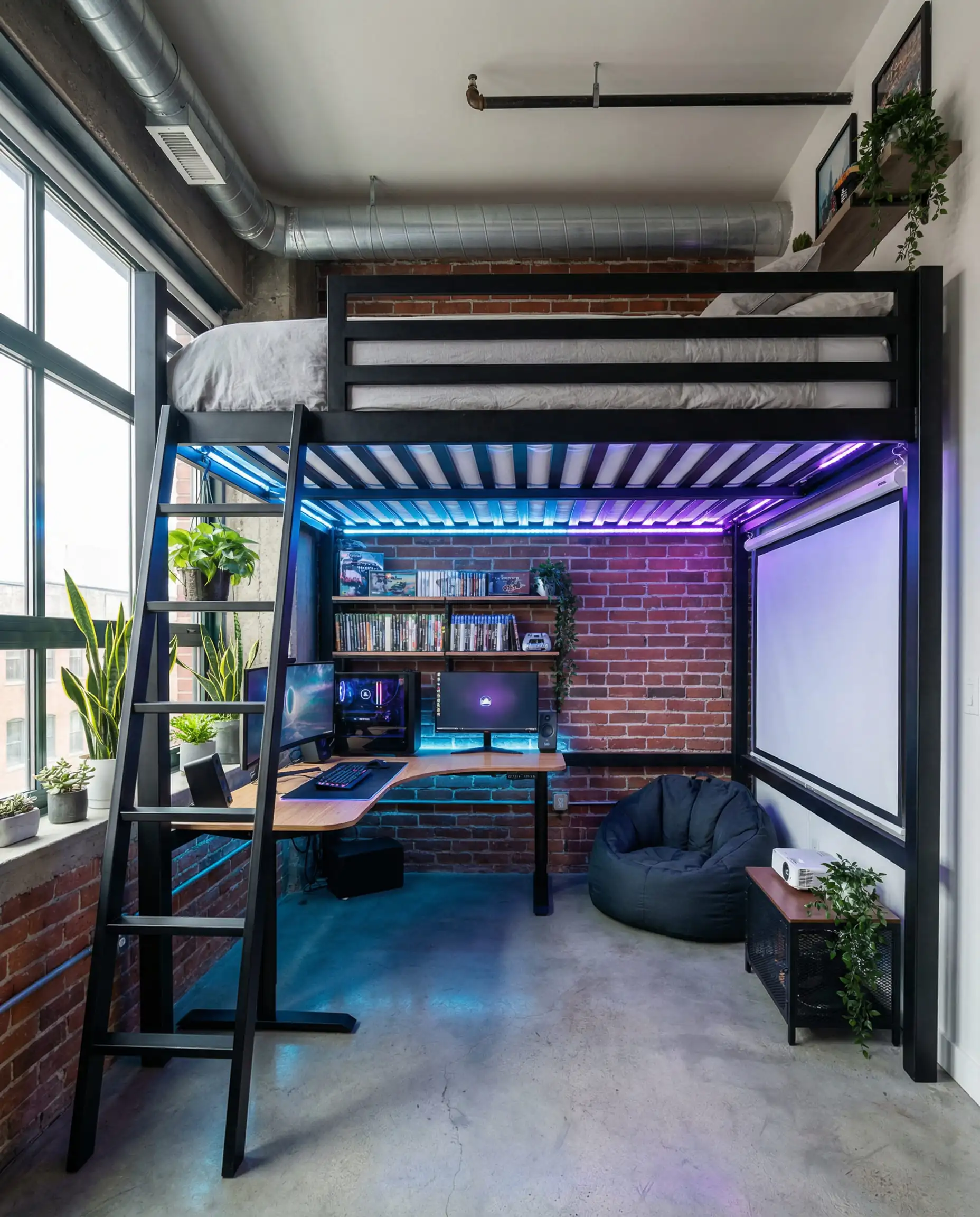
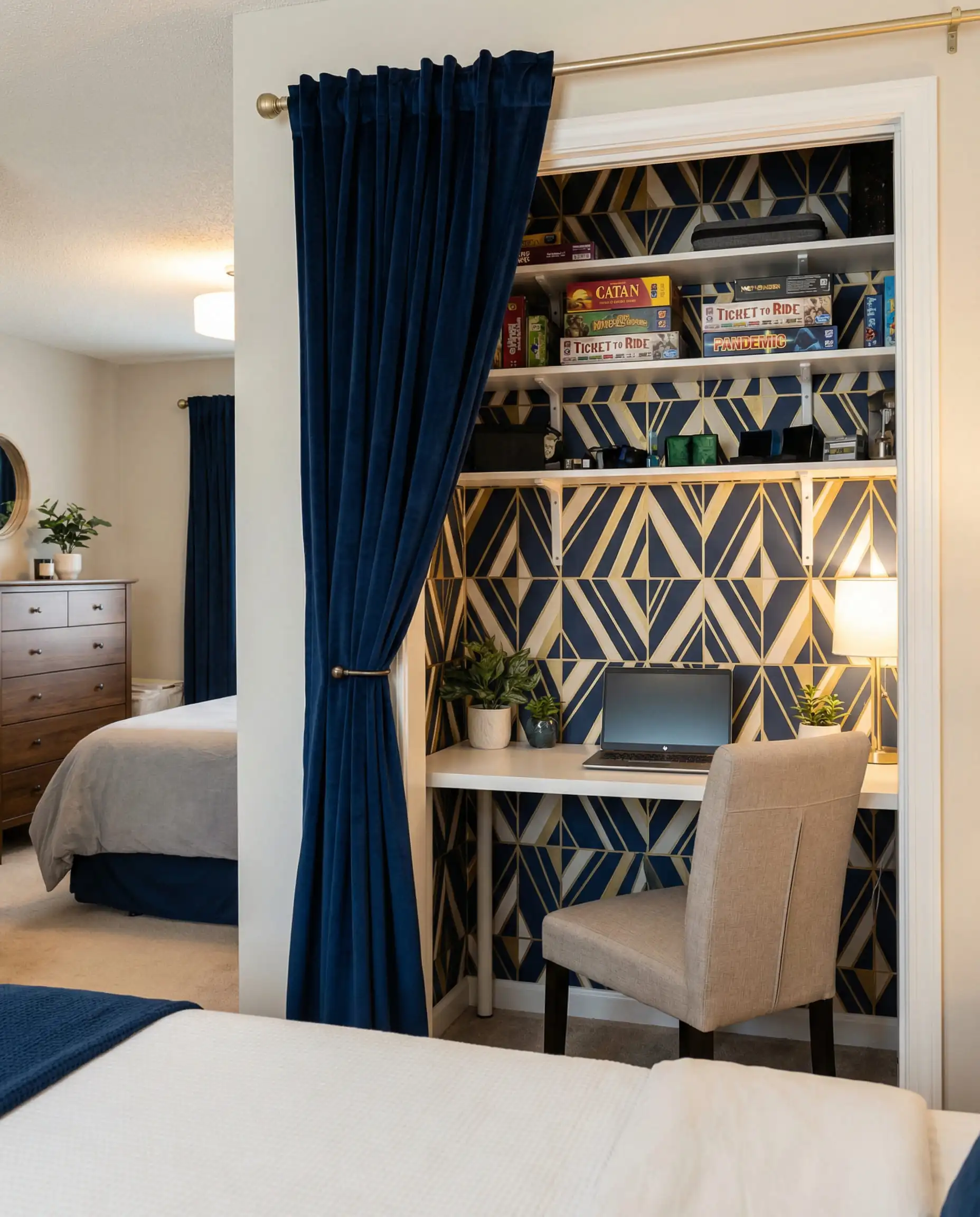
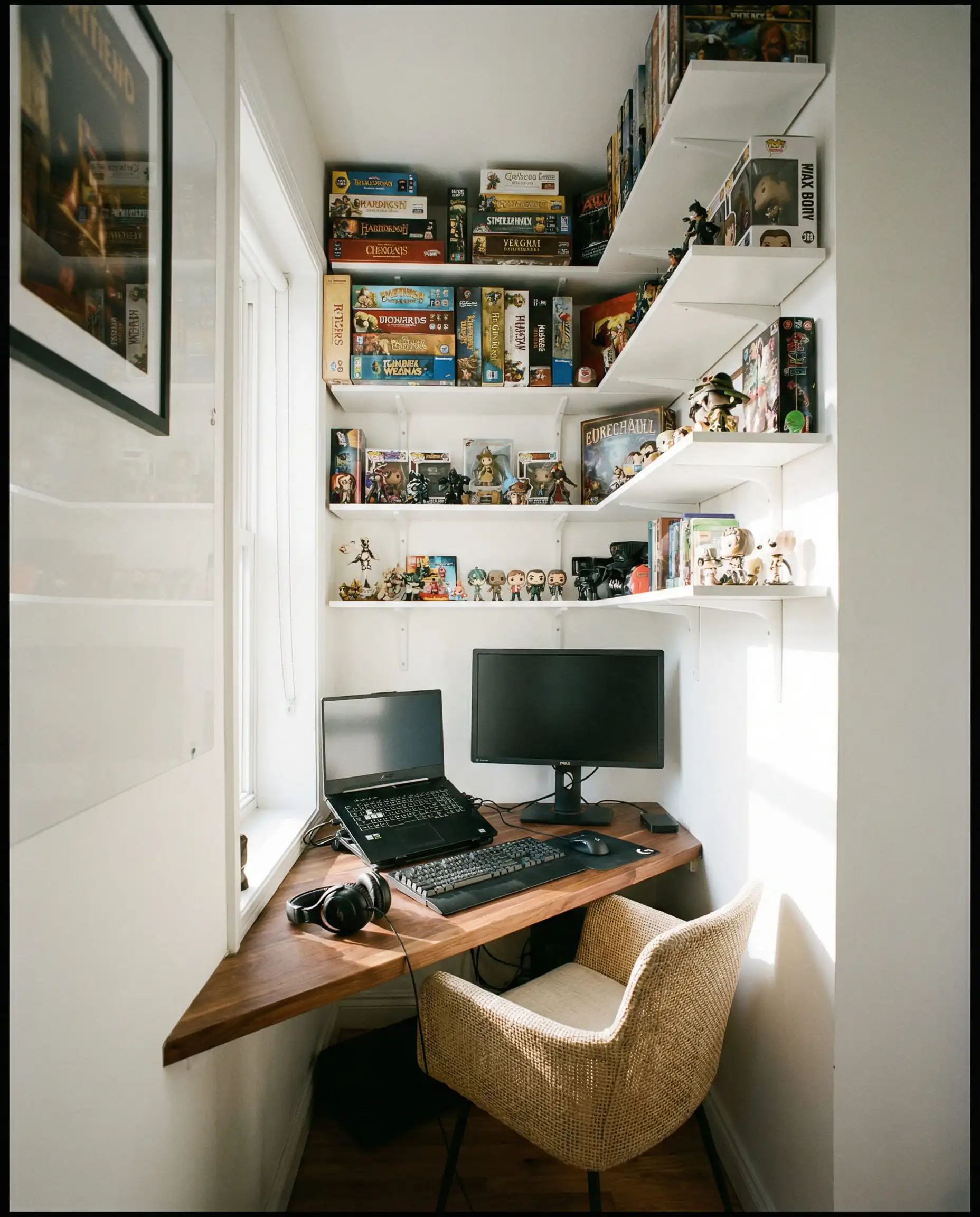
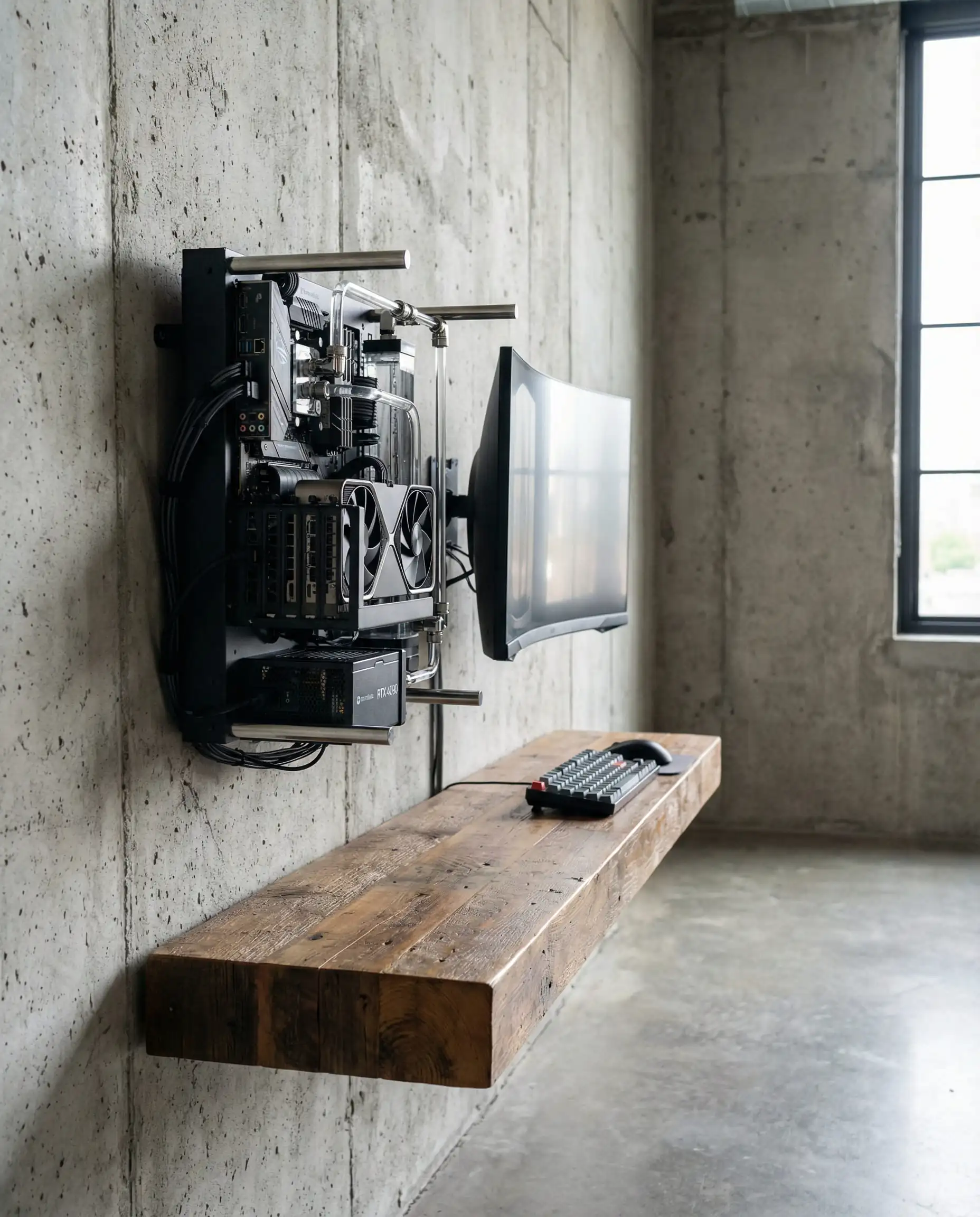
In small rooms, use wall-mounted peripherals. Mount your speakers, your PC tower, and even your game controllers on the wall. This keeps the desk surface clear, making the room feel significantly larger. 🧱
💡 Designer Tip
🔧 Pro Tip: Wall-Mounting on “Weak” Walls (Drywall) Living in a rental or have thin drywall? You can still wall-mount your monitors to save space!
Small spaces often benefit from industrial or loft aesthetics. Check out our modern loft style interior design ideas for clever ways to use industrial piping and vertical shelving.
Couples’ Gaming Bedroom Setup
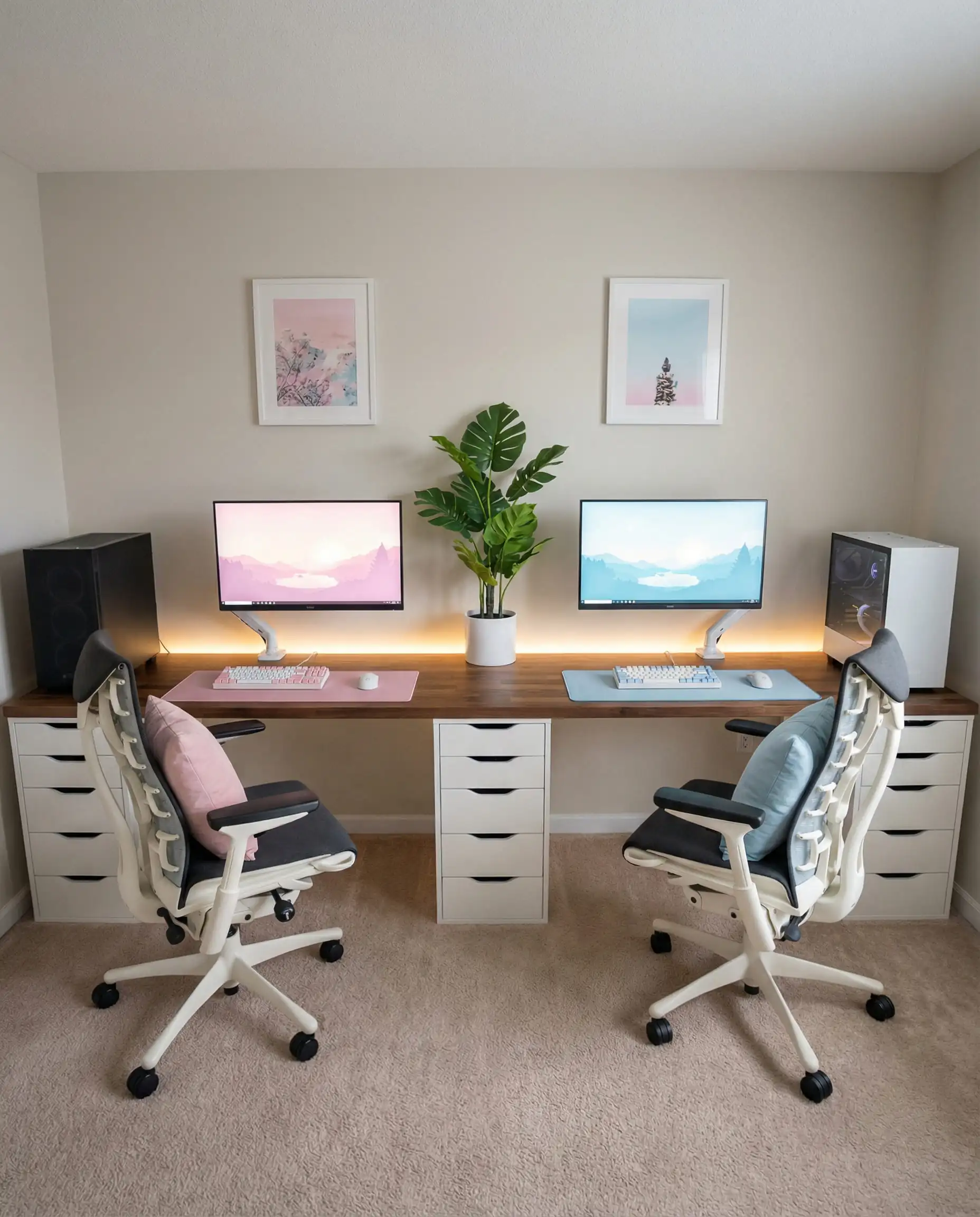
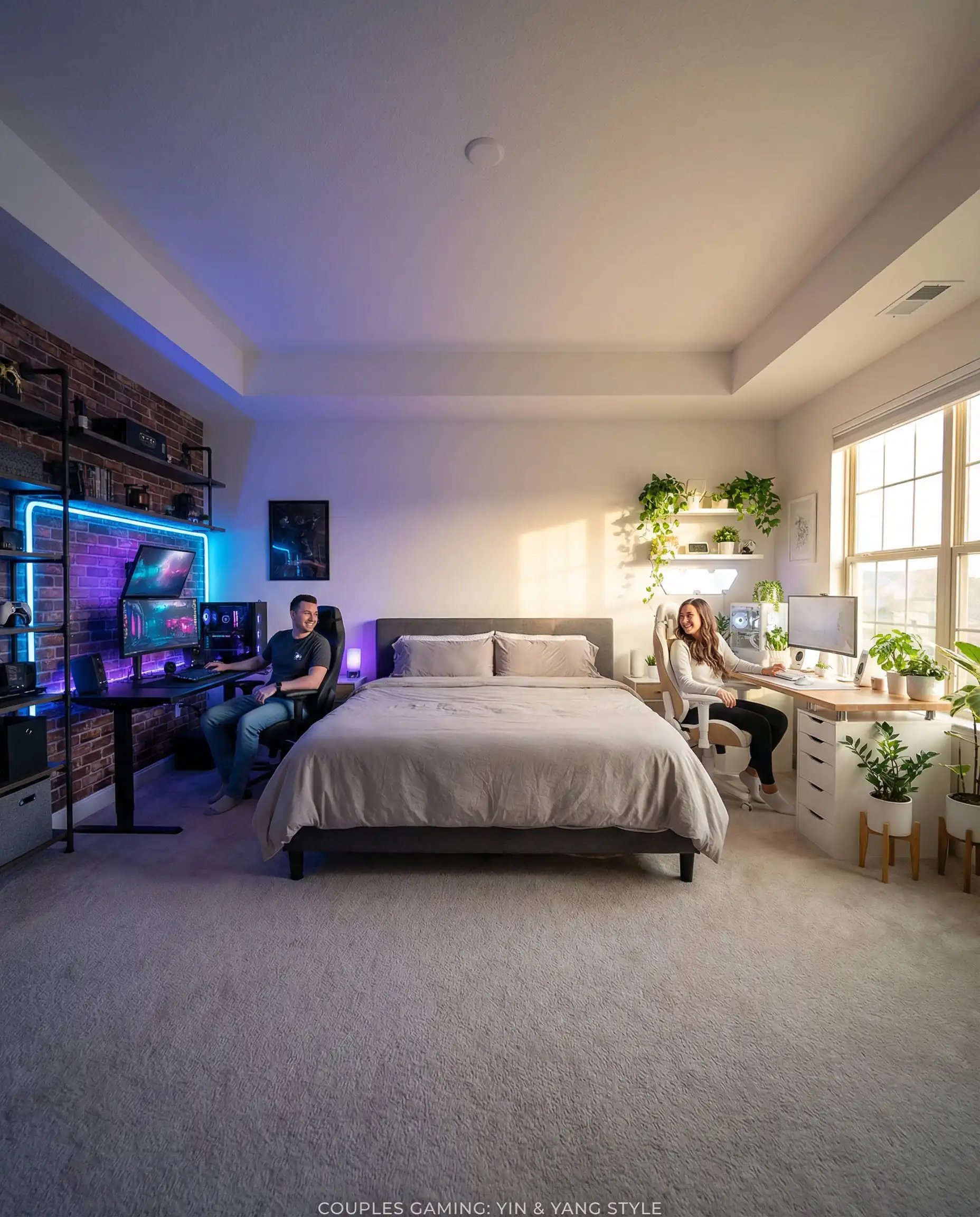
Couples that game together, stay together—but only if they have enough elbow room. The “His and Hers” (or “Theirs and Theirs”) setup requires symmetry.
The most visually pleasing layout is the long continuous desk (often achieved using two IKEA Alex drawers and a long butcher block countertop, spanning 98 inches or more). This creates a unified look. To maintain individuality, use matching monitors and desks but allow each person to customize their mouse pad, keyboard colors, and wall decor above their station.
Sound management is crucial here. If you sit side-by-side, your microphones will pick up each other’s voice. Invest in dynamic microphones (like the Shure SM7B) rather than condenser mics, as they are better at rejecting background noise.
Budget-Friendly Gaming Room Upgrades
You don’t need a professional streamer’s budget to have a stunning room.
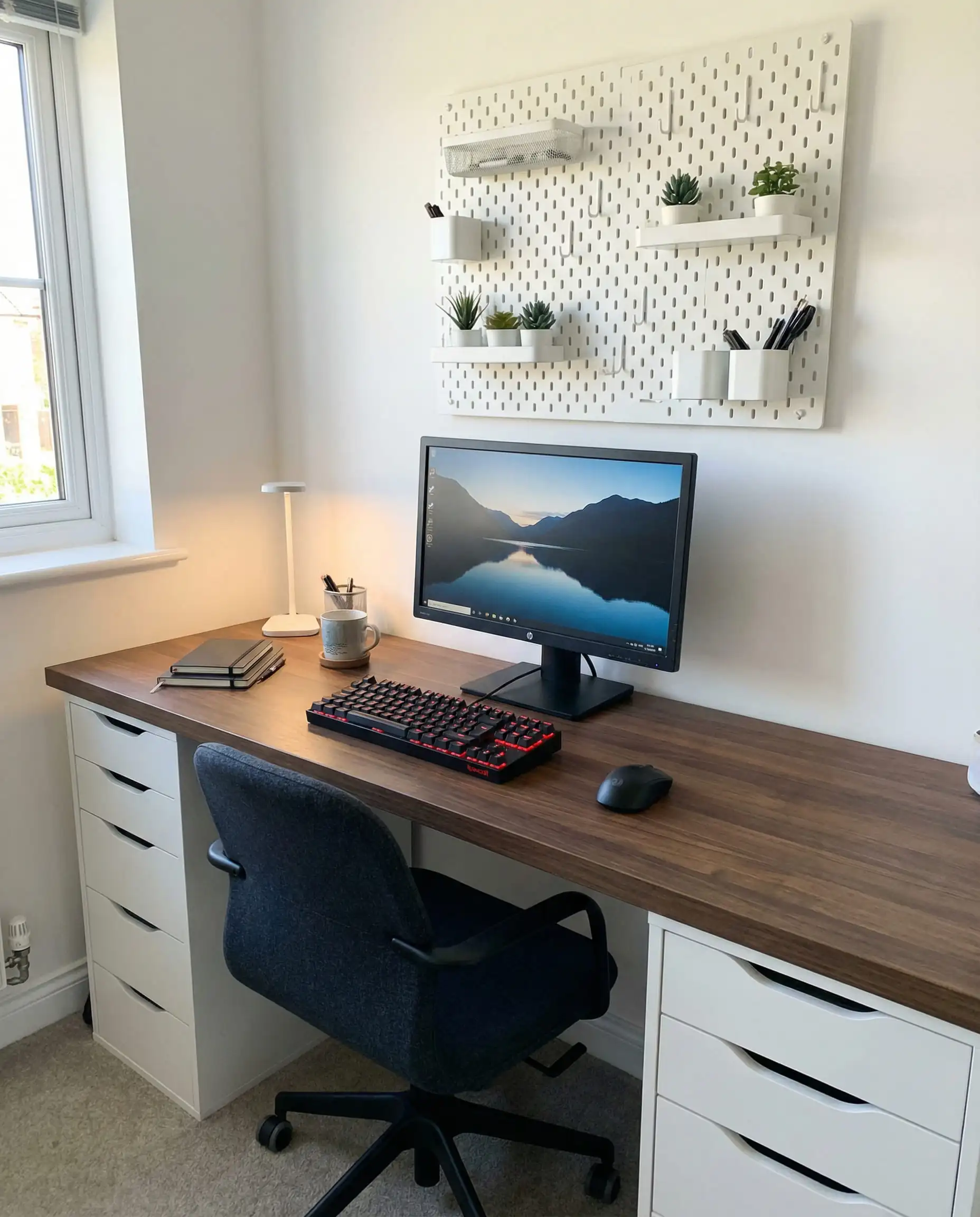
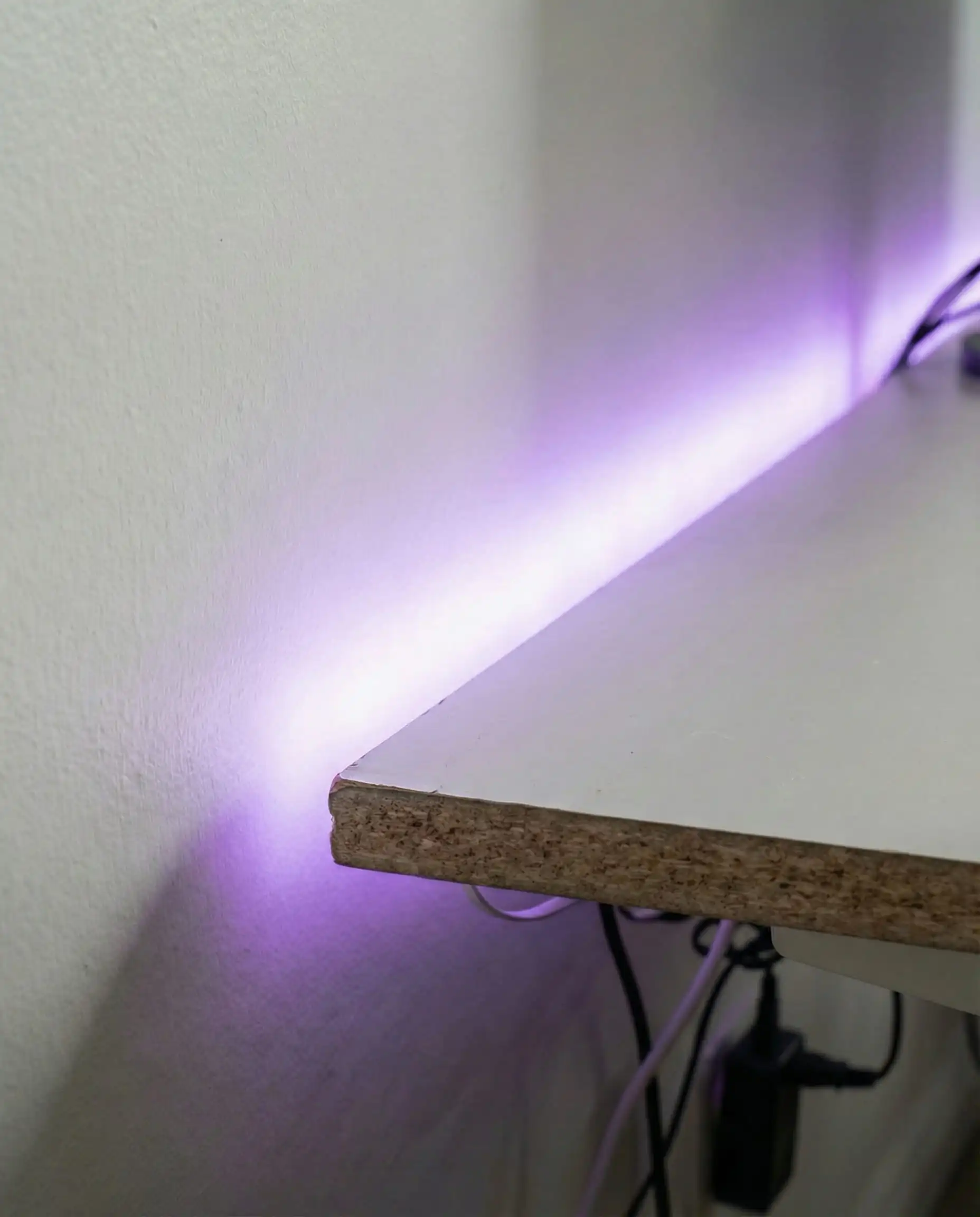
For more budget-friendly wall ideas, explore our guide on wall art decor trends to see how simple prints can transform a space.
The Tech Deep Dive: Lighting & Acoustics
This section is what separates a “bedroom with a computer” from a “gaming room.”
How to Master Immersive Lighting
Lighting in 2026 is about layers.
- Task Lighting: This is your desk lamp or monitor light bar (like the BenQ ScreenBar). It illuminates your keyboard and reduces eye strain without causing glare on the screen.
- Ambient Lighting: LED strips along the ceiling perimeter or under the bed frame (the “floating bed” effect).
- Feature Lighting: This is your neon sign, your Nanoleaf shapes, or your Divoom pixel art display.
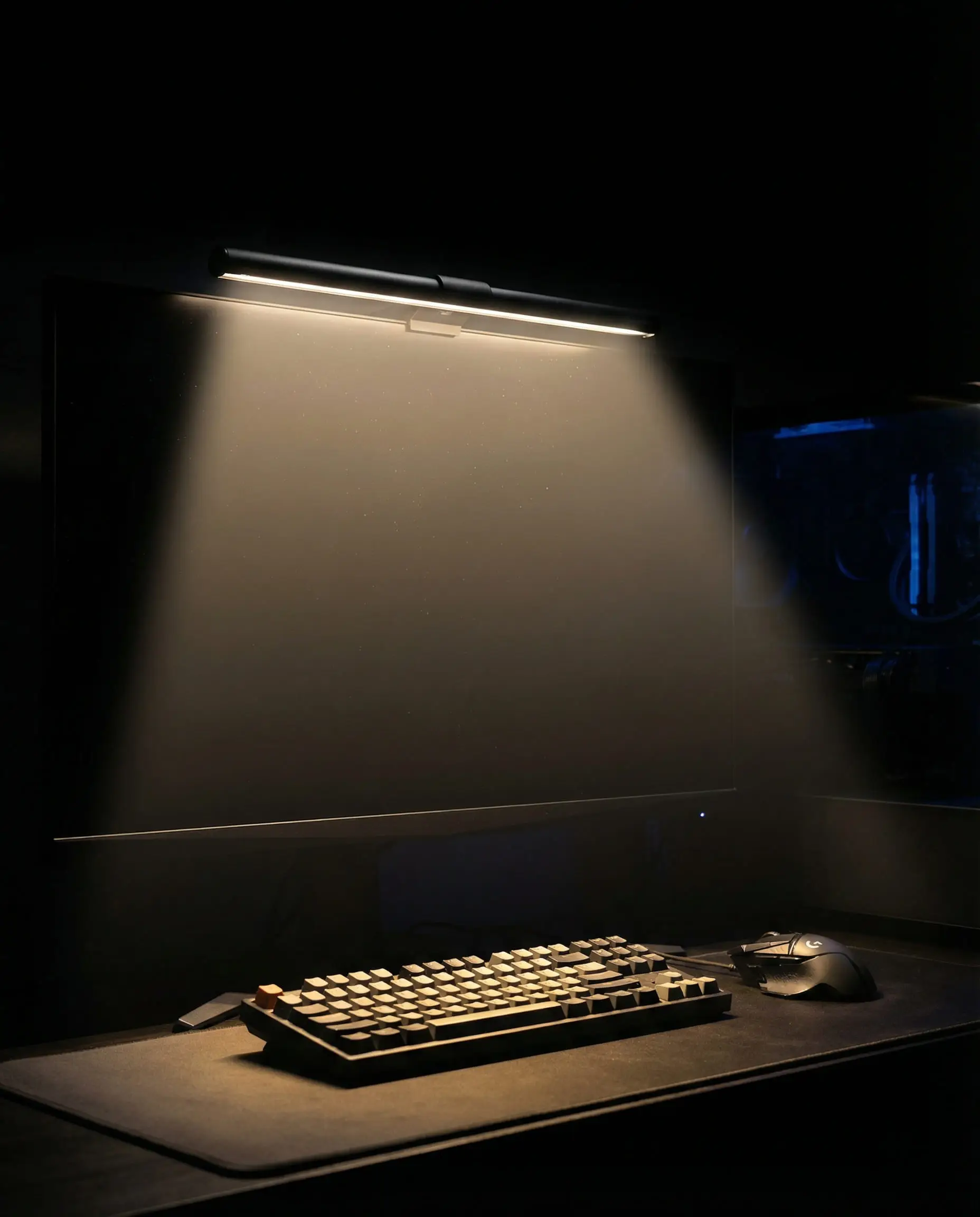
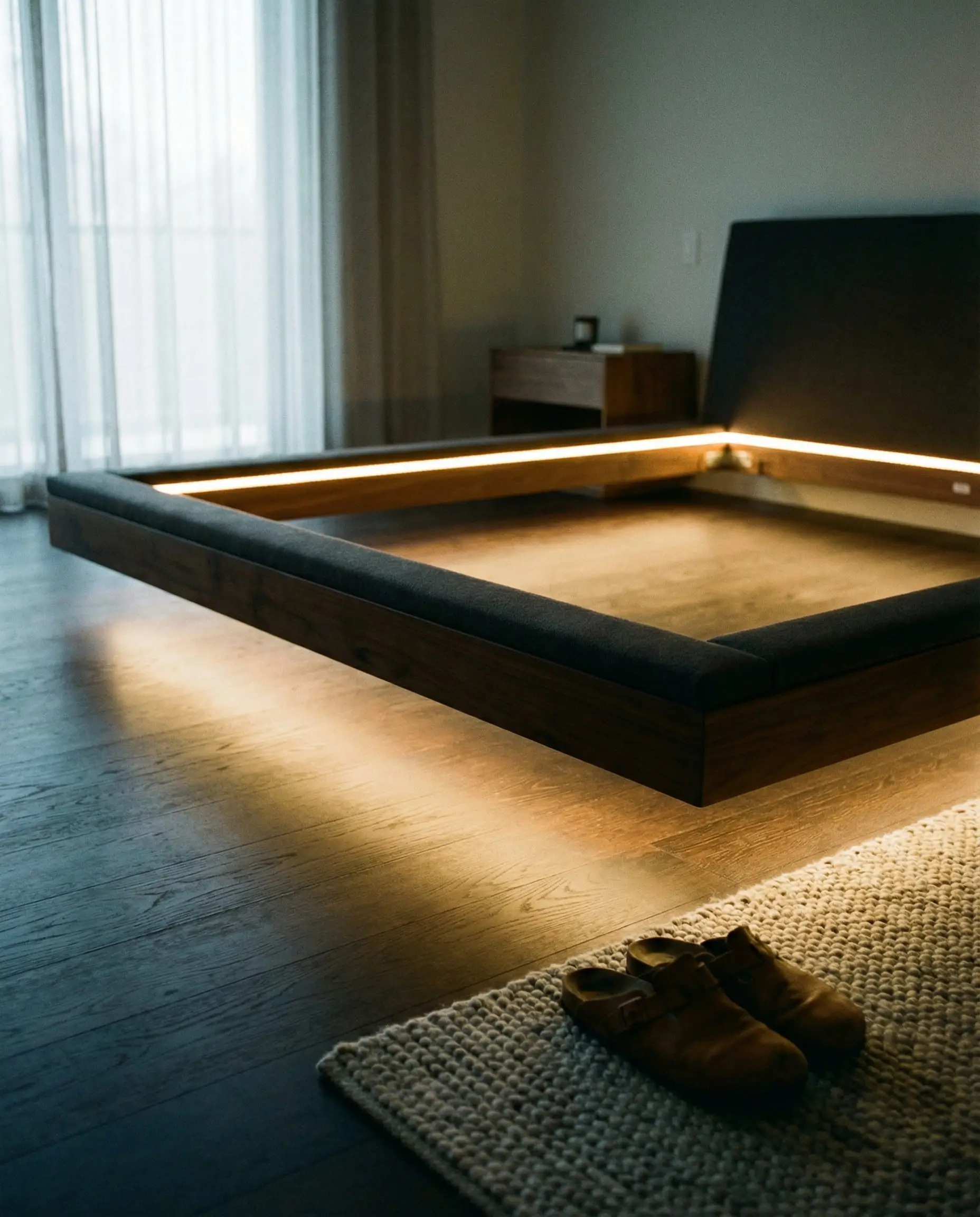
Avoid blue light before bed. It messes with your circadian rhythm. Ensure your smart lights are programmed to shift to warm ambers and reds an hour before you plan to sleep.
Pro Tip
For a broader look at how lighting fixtures are evolving, our lighting trends article covers the shift towards sculptural and smart fixtures.
Acoustic Treatment that Looks Good
If you stream, or if you just have housemates who don’t want to hear “Enemy Spotted!” at 2 AM, you need sound dampening.
Forget the ugly black “egg crate” foam. It collects dust and looks cheap. In 2026, we use PET Felt Acoustic Panels. These come in hexagons, slatted wood designs, and even printed art patterns. They look like high-end decor but absorb high-frequency echoes effectively.
Heavy textiles also help. Thick curtains, a plush rug, and a fabric headboard all contribute to a “dead” room sound that makes your voice sound crisp on Discord.
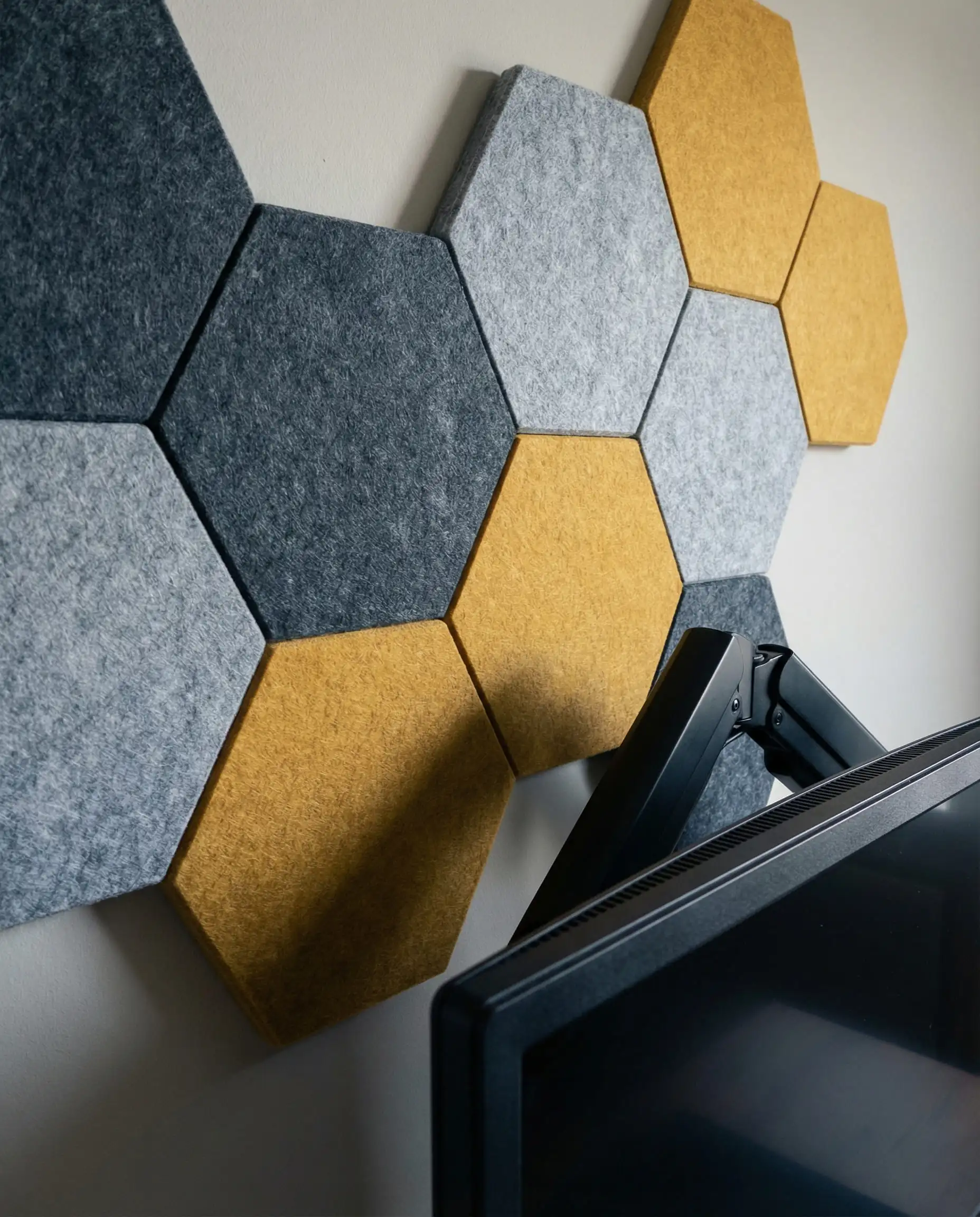
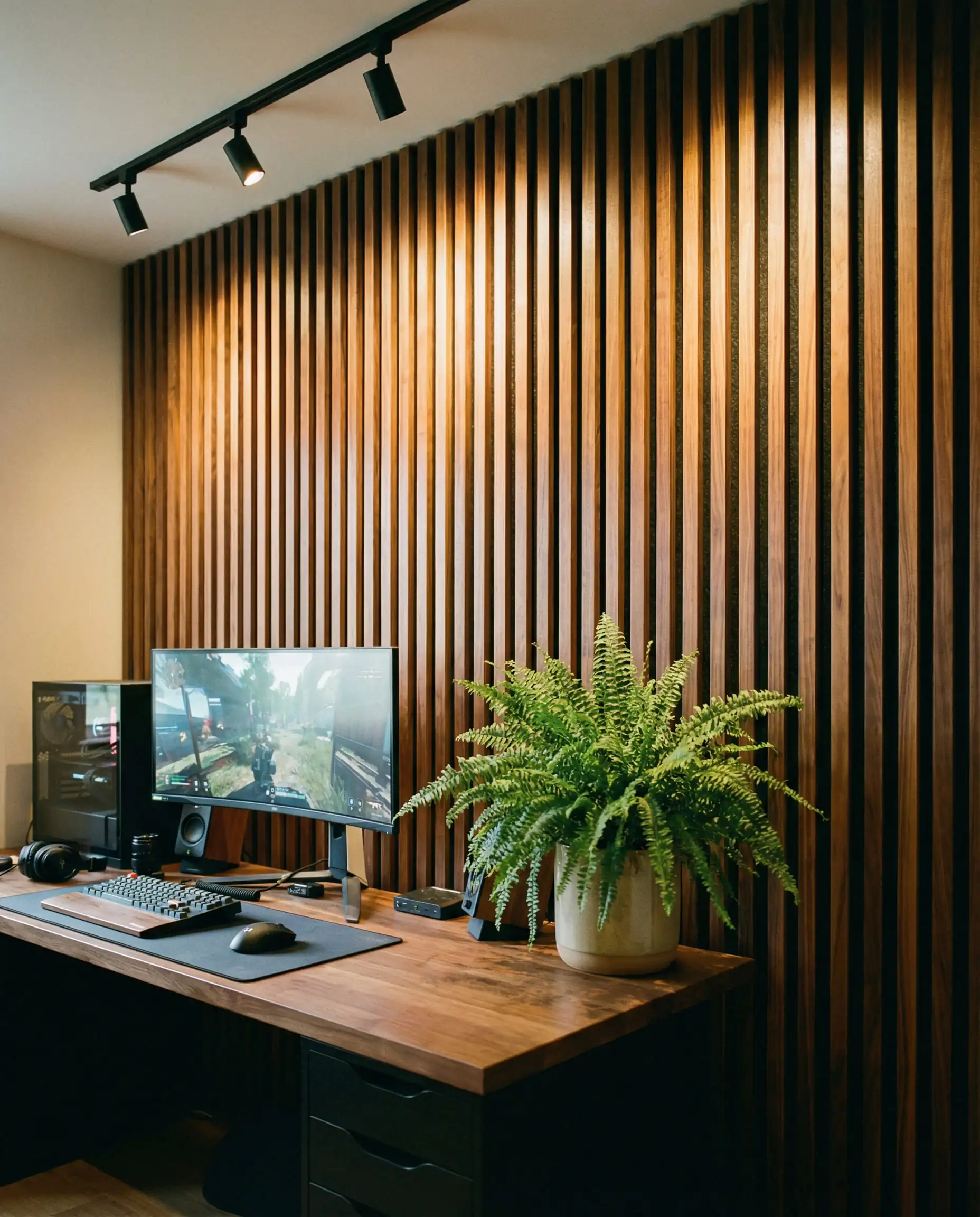
Rugs are the unsung heroes of acoustics. A thick, high-pile rug under your chair stops wheels from clattering and absorbs sound bouncing off hard floors. 🧶
💡 Designer Tip
If you are renovating, consider your flooring choices carefully. Our analysis of flooring trends 2026 highlights materials that offer both durability for chair wheels and acoustic benefits.
10 Must-Have Accessories for the 2026 Gaming Bedroom
To take your setup from “good” to “god-tier,” these specific accessories are essential for the modern look.
- Monitor Arms: The single best upgrade for aesthetics. It makes screens float and clears space for your keyboard.
- Pegboard Organizer (IKEA SKÅDIS): The standard for displaying custom keyboards, controllers, and coiled cables.
- Oversized Desk Mat: Don’t use a tiny mousepad. Get a felt or cloth desk mat that covers the whole keyboard area.
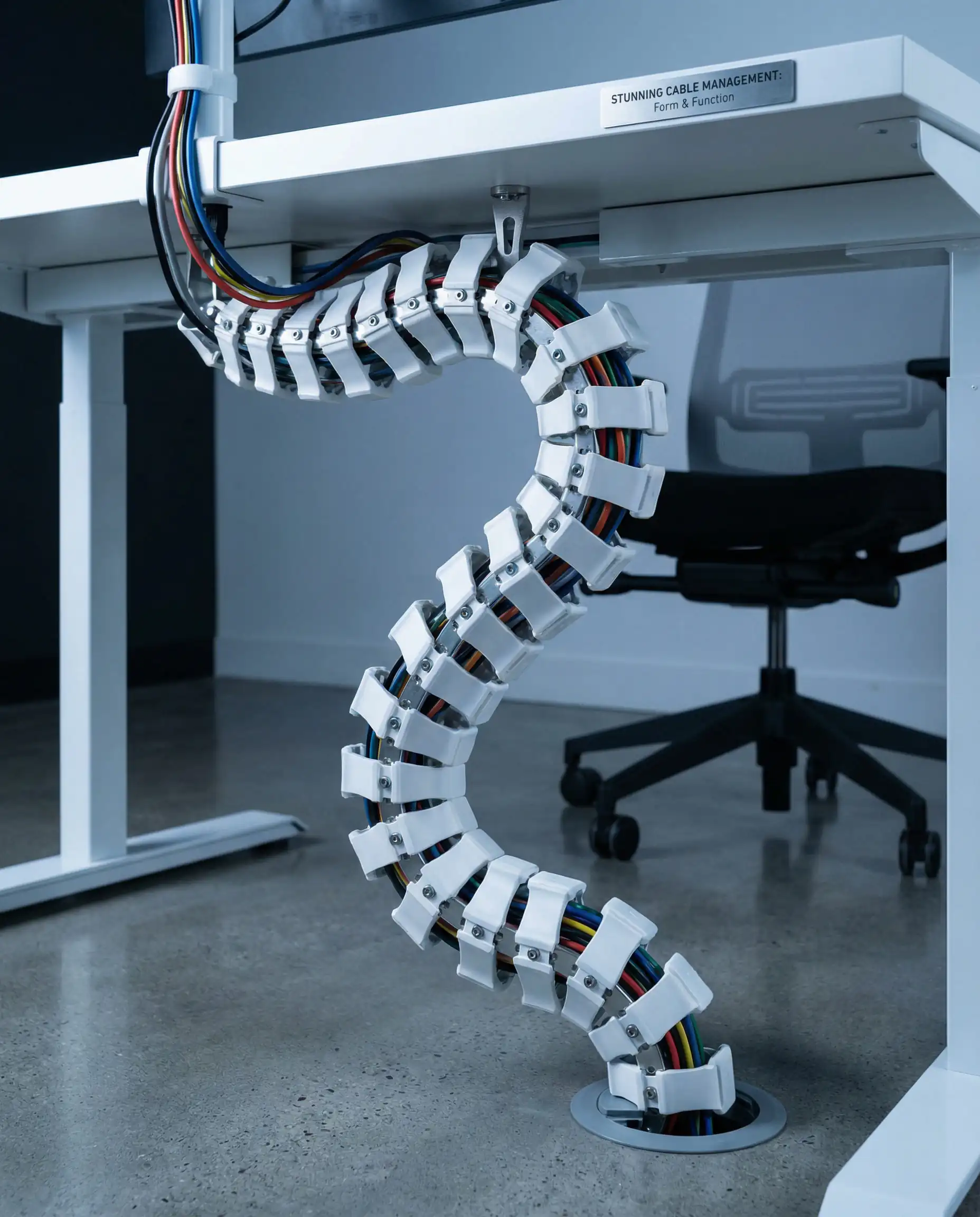
- Cable Management Spine: A vertebrate-like tube that guides cables from your desk to the floor. Neat and robotic.
- Sunset Lamp: Projects a warm, circular aura on the wall. Perfect for the “Biophilic” aesthetic.
- Wrist Rest: Walnut wood or resin wrist rests are functional art for your hands.
- Headset Stand: Don’t leave your headphones on the monitor. A dedicated stand (or under-desk hook) keeps it clean.
- Microphone Boom Arm: Low-profile arms (like the Elgato Wave Mic Arm LP) slide under your monitor rather than blocking your face.
- Bias Lighting: A simple white LED strip on the back of your monitor to increase perceived contrast and reduce eye strain.
- Custom Keycaps: The ultimate expression of personality. Match your keyboard colors to your room’s wall paint.
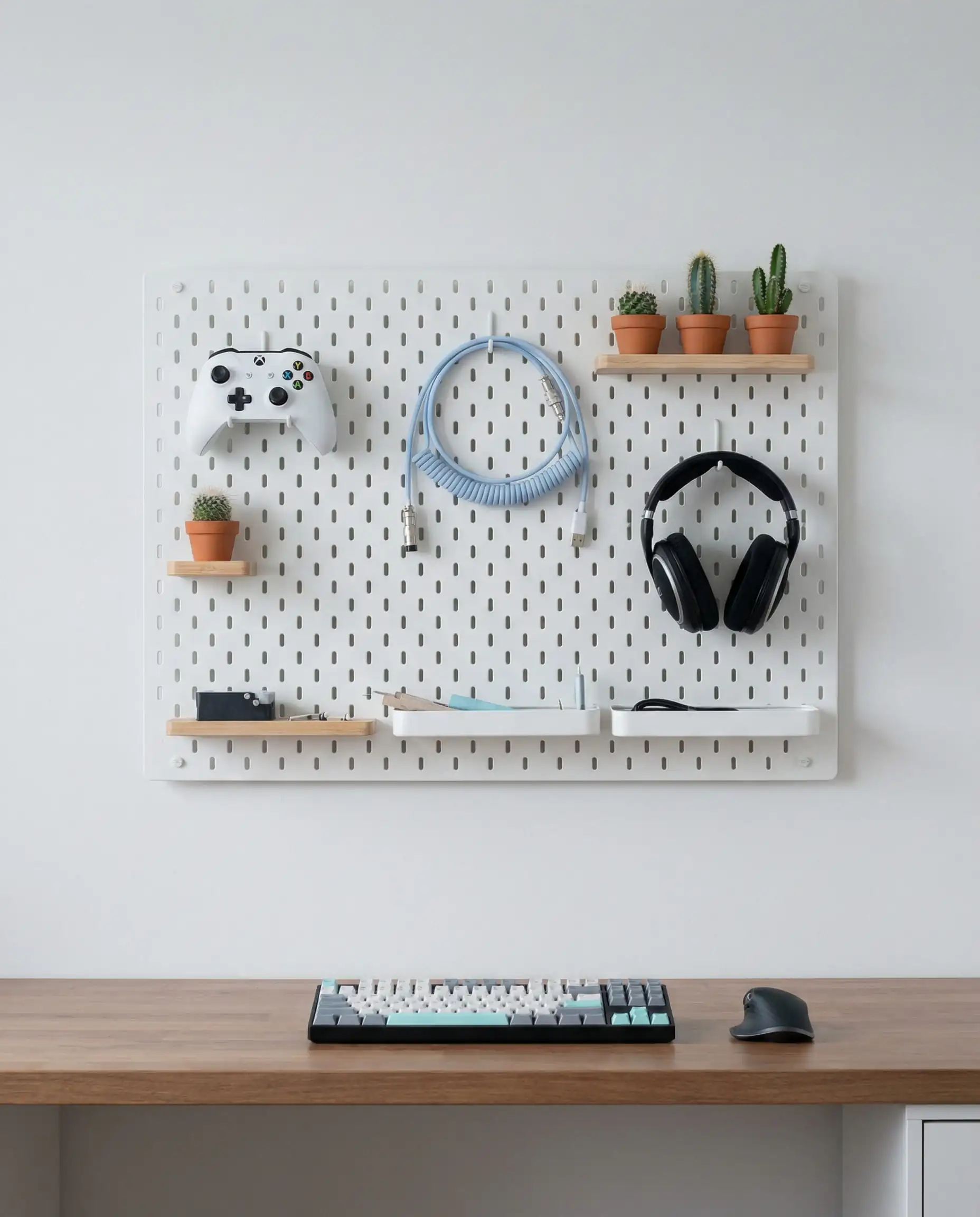
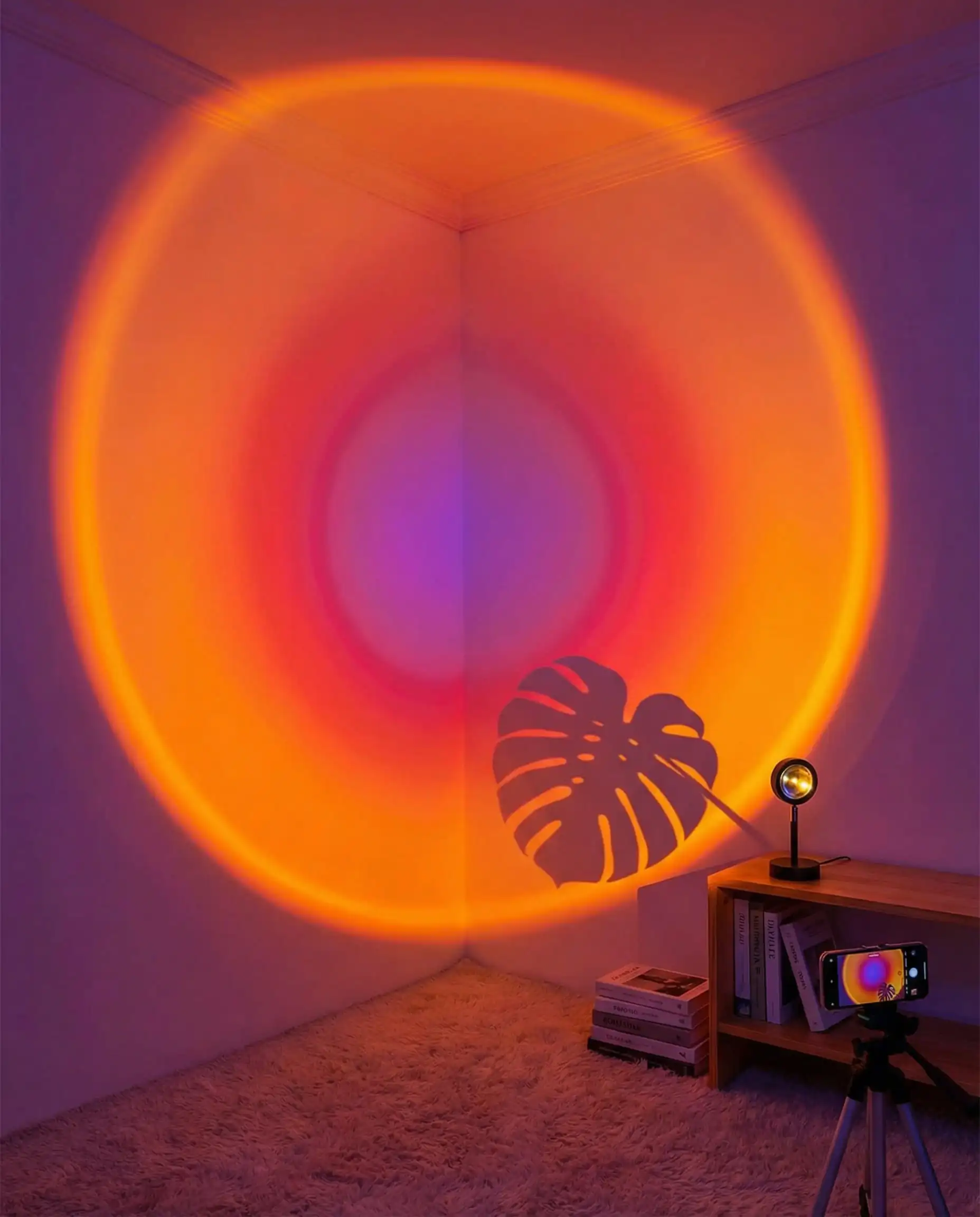

Speaking of wall paint, if you want to match your peripherals to your walls, check out the latest paint color trends 2026 for the hottest palettes.
Final Touches: Decor & Personalization
Your room should tell your story. The difference between a catalog photo and a home is personalization.
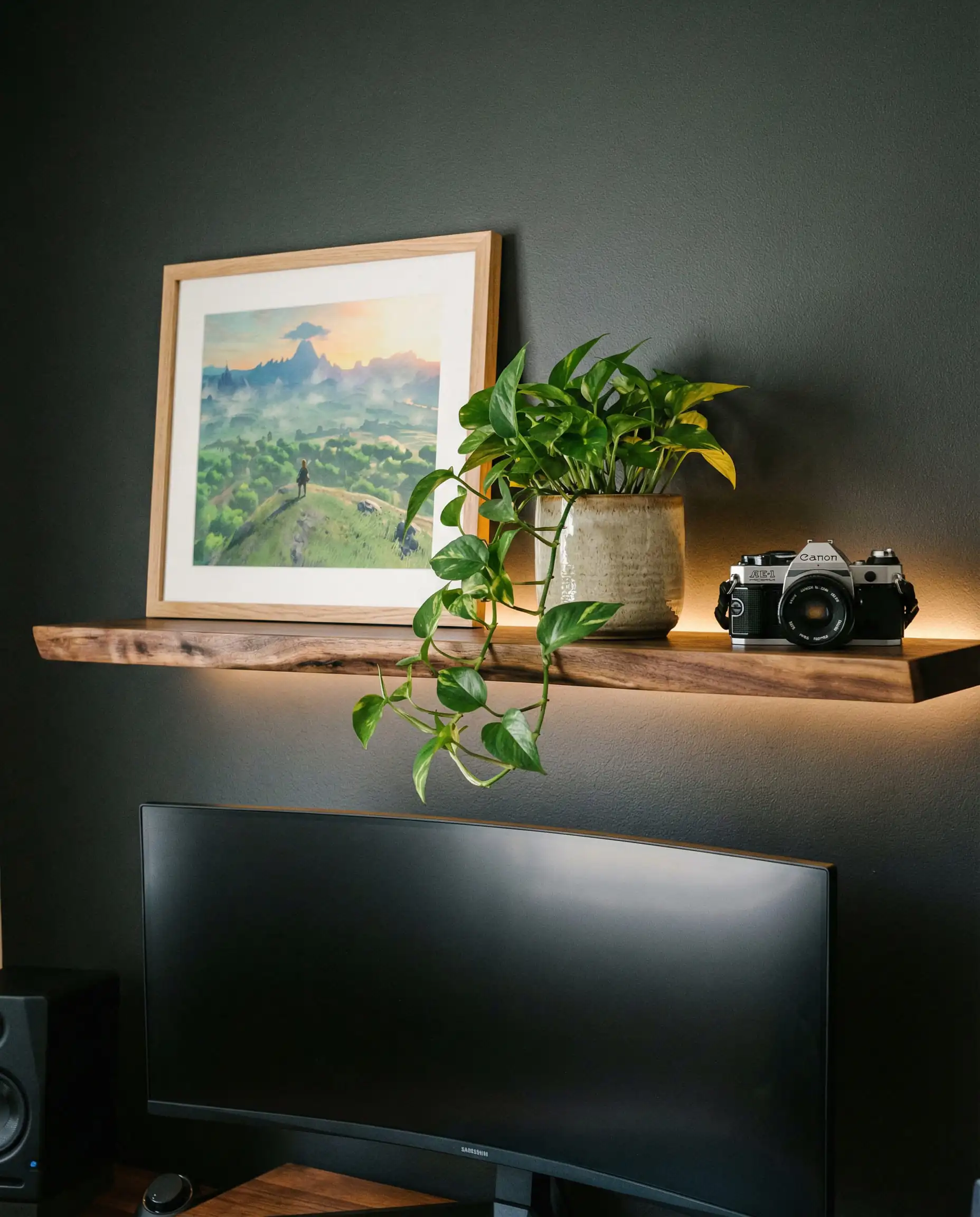
The “Shelfie” Game: Above your monitor is prime real estate. Install a floating shelf to display your “loot.” However, follow the Rule of Three: group items in odd numbers. A Funko Pop, a small plant, and a framed photo look better than a lined-up row of 20 figures.
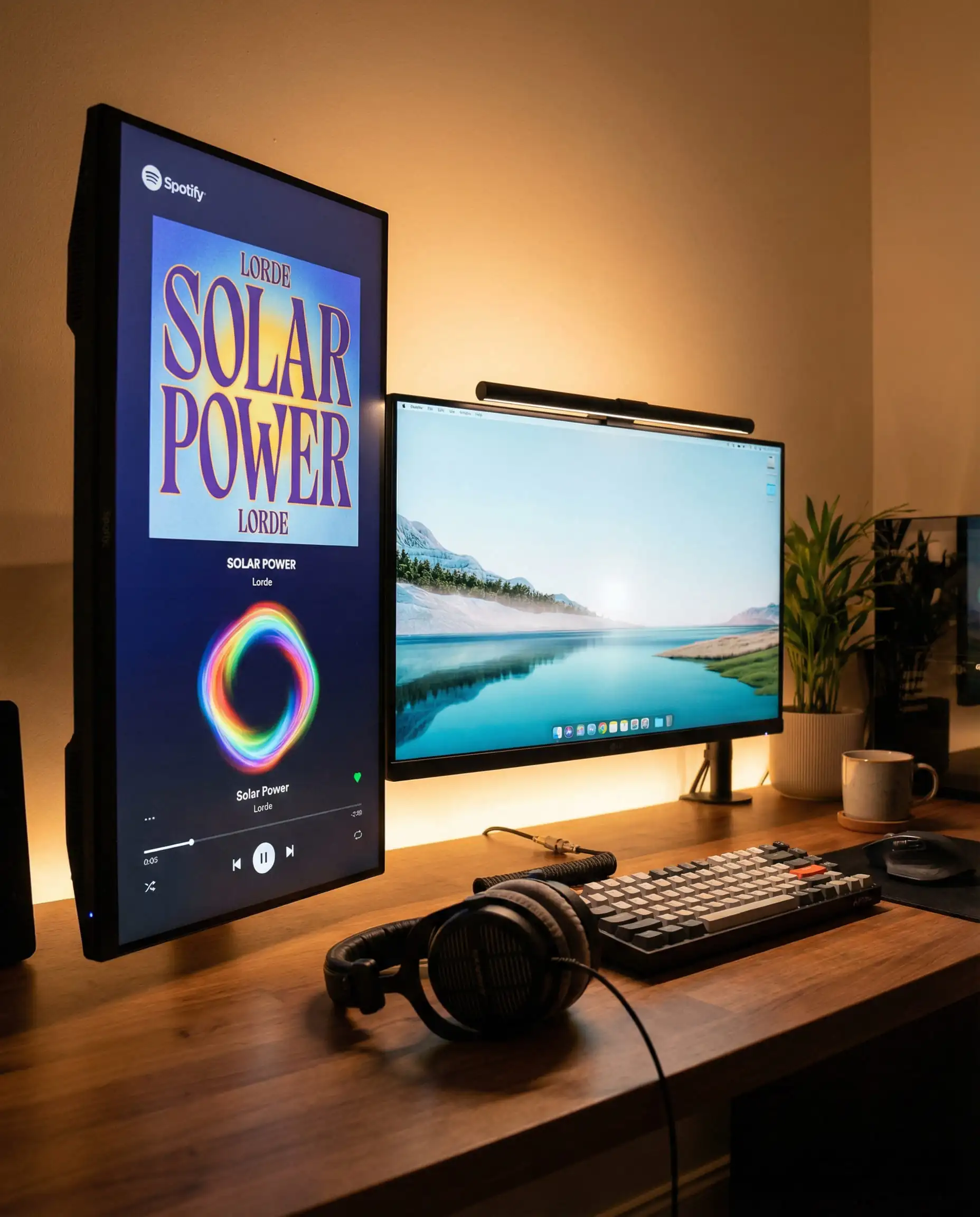
Digital Decor: Use a vertical monitor or a smart display (like a Google Nest Hub) solely for aesthetics. Set it to loop GIFs of retro pixel art, weather widgets, or “Currently Playing” Spotify album art.
The Bedding: Don’t neglect the bed! It takes up 40% of the room. Match your duvet cover to your setup’s theme. If you have a monochrome “Stealth” setup, go for crisp charcoal or slate grey bedding. If you have a Biophilic room, sage green linen sheets are a perfect match.
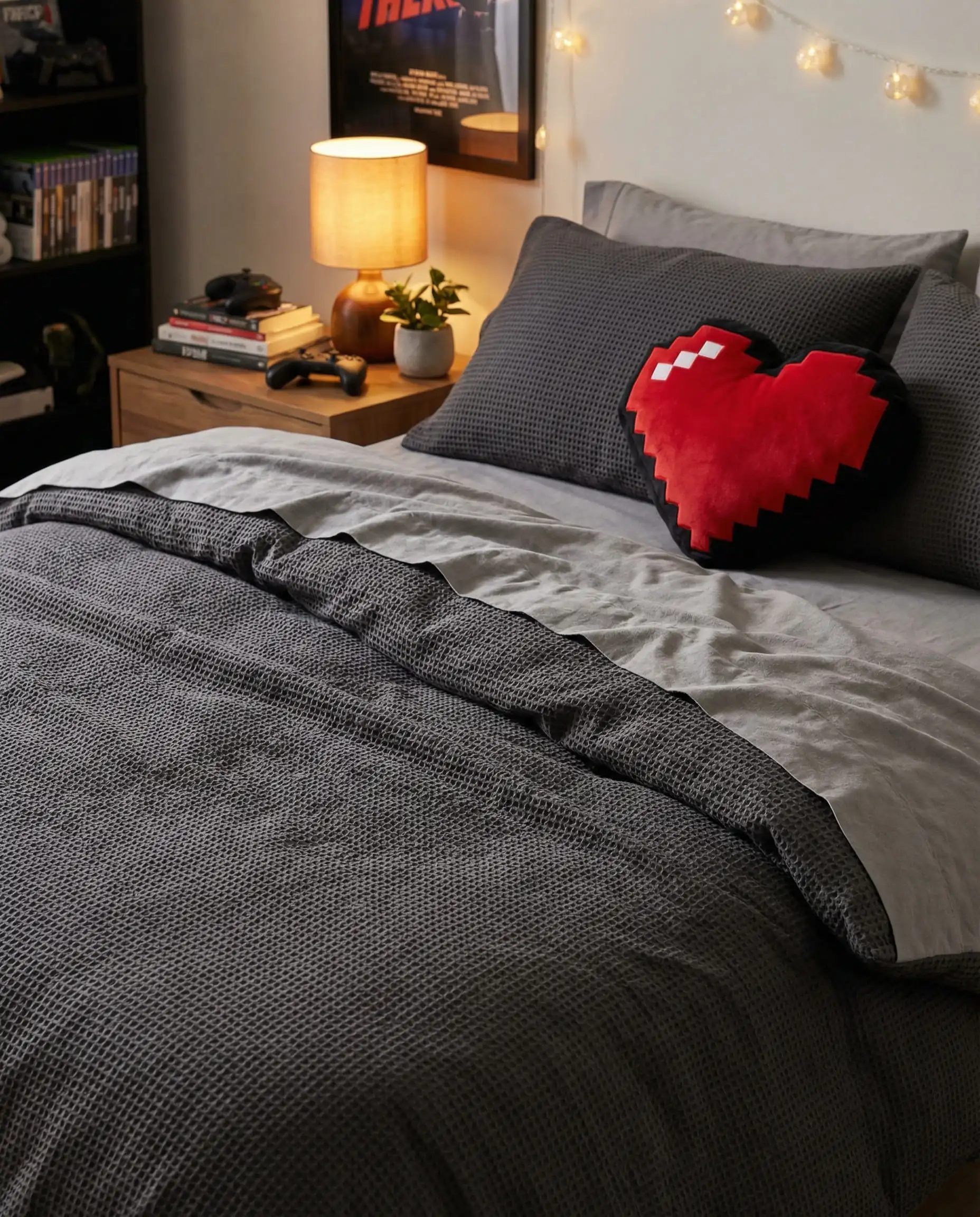
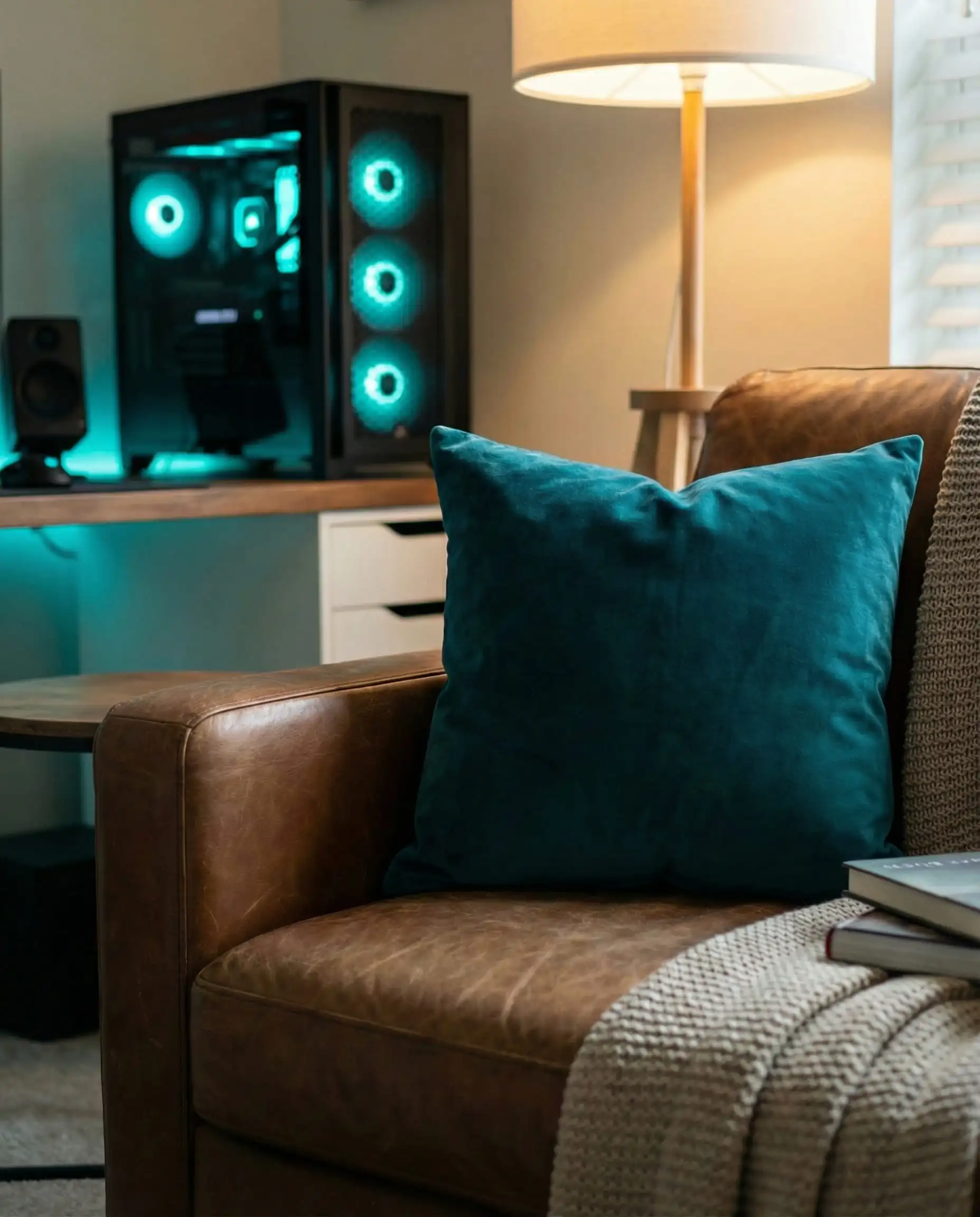
Throw pillows are an easy way to bridge the gap between your gaming chair and your bed. If your gaming chair has red accents, toss a red throw pillow on your bed to tie the room together visually. 🛌
💡 Designer Tip
For more textile inspiration, look at our report on modern decorative cushions and throw pillows trends.
Frequently Asked Questions (FAQ)
A: Prioritize floor space. Use a wall-mounted desk or a loft bed. Use monitor arms to push screens back against the wall, and mount your PC tower under the desk or on the wall to keep foot space clear.
A: It depends on the game! For competitive shooters (FPS), bright cool white or blue promotes alertness. For story-driven RPGs, warm orange or purple creates a relaxed immersion. Smart lights that sync to your screen are the best of both worlds.
A: A budget makeover (desk, chair, paint, LEDs) can be done for $300-$500. A mid-range setup (new ergonomic chair, new monitor, Nanoleaf panels, decor) usually runs $1,000-$2,500. High-end luxury setups with custom carpentry and top-tier tech can easily exceed $5,000.
A: “Soundproofing” (blocking sound from leaving) requires construction like mass-loaded vinyl. “Sound treatment” (stopping echoes) is easier: add rugs, curtains, acoustic panels, and furniture. The more soft stuff in the room, the better.
A: No! Your power supply needs to breathe. If the fan is on the bottom, the carpet will choke it, leading to overheating and dust buildup. If you must place it on the floor, put a piece of wood or a dedicated PC stand underneath it.
Conclusion
Creating the ultimate gaming bedroom in 2026 is about more than just buying the most expensive gear. It is about crafting a space that reflects your identity—a space that calms you down after a long day and hypes you up when it’s time to drop into the lobby.
From the nature-infused calm of Biophilic design to the sleek efficiency of the Hybrid workspace, there is a style for every type of gamer. The key is to start with the essentials (ergonomics and layout) and build the aesthetics on top.
So, grab your tape measure, clear off that clutter, and start building your dream sanctuary. The game is just beginning.
Ready to pick the perfect color for your new battlestation? Browse our curated list of bedroom paint colors to find the perfect backdrop for your RGB lights.

The Hackrea Style Desk treats interior decoration as an exact visual science. Rather than focusing on demolition or floor plans, this desk masters the art of color theory, undertone matching, material pairings, and spatial proportion. From balancing the visual weight of mixed metals to finding the perfect bridging tone between disparate wood species, this desk provides the rigorous aesthetic rules needed to achieve high-end, editorial-quality harmony in any space.